
“The most important step a man can take. It’s not the first one, is it? It’s the next one. Always the next step.” – Brandon Sanderson, Oathbringer
A few years ago, I wouldn’t have even tried to learn Python. Coding felt like something reserved for people way smarter than me. But this week, as I sat down to tackle my first real programming goals, I wasn’t second guessing myself anymore. I was just… doing it.
That’s not to say it was easy. I didn’t finish the entire learning path I set out to complete or even come close. Hell, I didn’t even finish the first module. I got another reminder this week that there’s a difference between collecting certifications and actually learning. And like always, I’m here to learn.
But when I ran my first Hello World! program in Terminal and saw it print out exactly what I told it to? That felt like victory.
Because victory isn’t always the big leaps. Sometimes it’s the small steps forward that prove you’re moving.

This Week’s Goals – Recap
Week One – Simple foundations:
- Check that Python is installed and working
- Run a “Hello World!” script
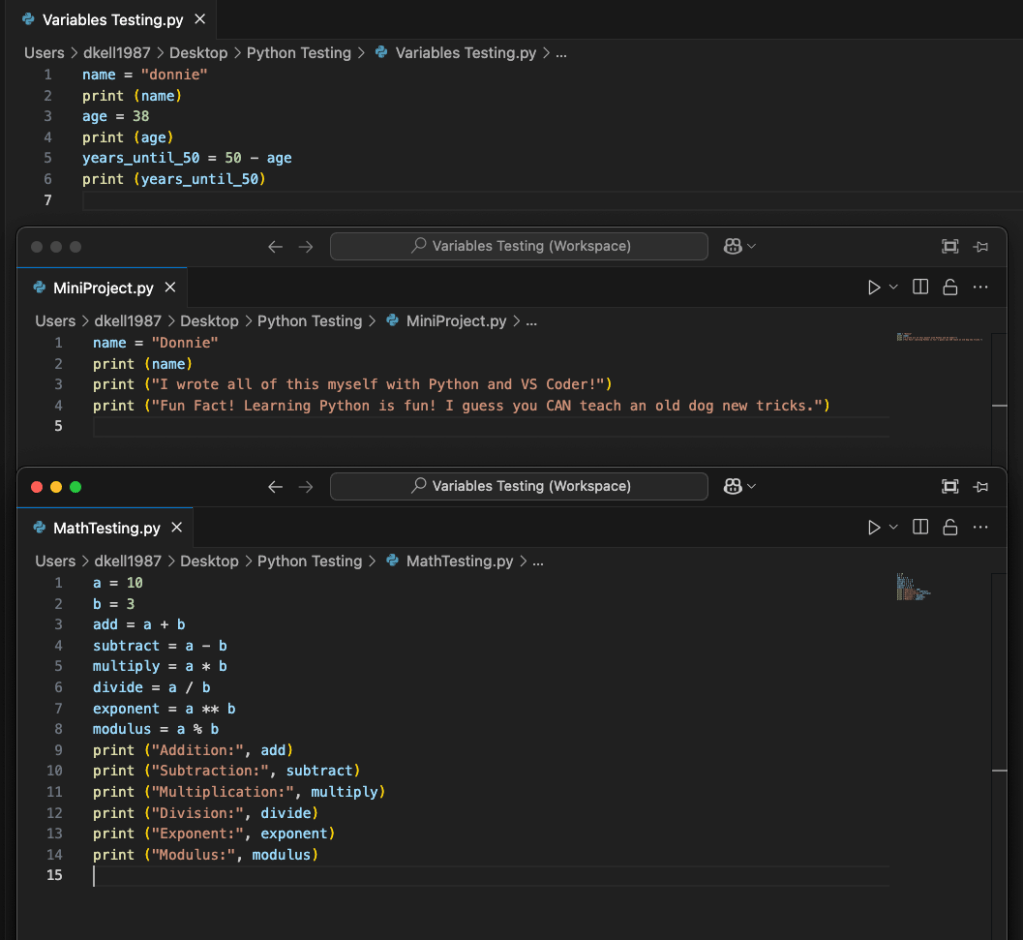
- Create and use a variable
- Practice basic math operations
- Write a small mini-project script using what I learned
AI Tools and Courses I Tried This Week
This week was about taking my first real steps into Python. I started with FreeCodeCamp, thinking it would be a good launch pad into the basics. Honestly, though, it felt a bit scattered.
There weren’t any clear signs saying, “Hey, start here if you’re a complete beginner!” I poked around and watched a couple of videos, but couldn’t find what I needed to actually start doing anything meaningful.
I had to switch things up if I wanted to hit my roadmap goals for the week in my learning block.
So, once again, I pivoted. I downloaded Python from the official site, learned what Terminal actually is (hint: it’s not some scary hacker tool, it’s just where your computer listens when you talk to it directly), and installed VS Code.
Then I called in ChatGPT like my personal coding sensei. Together we broke down my week one roadmap goals into bite-sized steps and I started running my first real scripts.
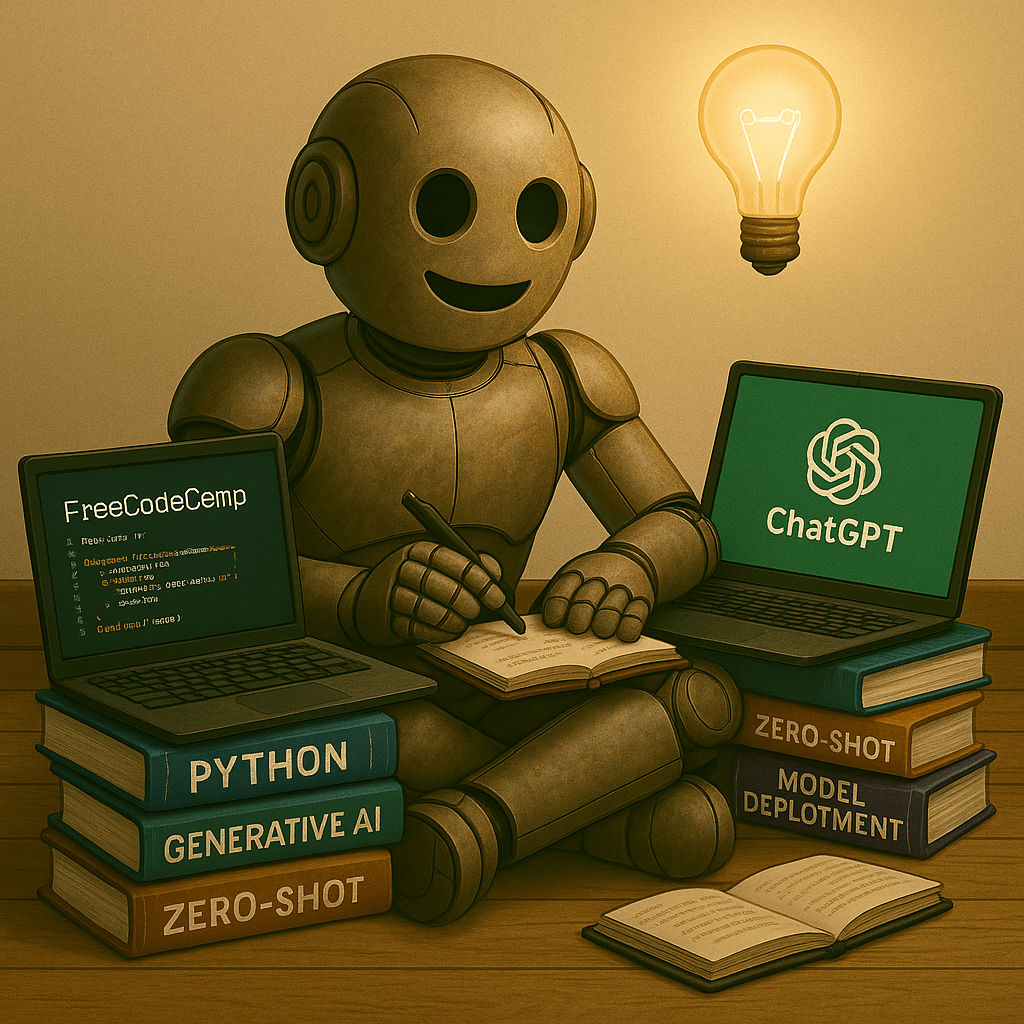
Only after I knocked out those practical goals did I jump into a formal learning path. I picked Getting Started with Python on LinkedIn Learning. Far and away the biggest and most ambitious path I’ve tackled so far at over 17 hours long. I’m only partway through the first module, but that’s fine.
But, building a house takes time, so I think my plan next week is to do the same thing again. Start with ChatGPT to develop practicals related to my roadmap, then keep going in the Learning path to get visible proof that I’m learning the basics too.
If you’re curious, here’s the path I’m working on: Getting Started with Python – LinkedIn Learning.
Mapping My AI Learning Curve
After getting set up by downloading Python, finding Terminal, and setting up GitHub, the first part of my learning block was spent knocking out each roadmap goal one by one.
Printing “Hello World!” felt like lighting a candle in the dark. Small, but enough to show me where I was standing.
Then came variables. Learning that putting quotes around a number doesn’t make it a number, it makes it a word. Python doesn’t care if it looks like a number to me. If it sees quotes, it treats it like text.
ChatGPT said that was pretty common and making that mistake now probably saved me hours of future headaches.
Basic math operations were straightforward, but I forced myself to practice each one until I understood what the symbols actually do, not just what they’re called.
By the time I wrote my mini-project script and ran it without errors, I felt like I’d taken real steps in my learning. Not brilliant. Not advanced by any means. Just… capable. That’s a powerful feeling when you’re starting from zero.
After hitting those practical goals, I dove into the LinkedIn Learning module. It’s a beast at over 17 hours long, but I chipped away at it anyway. The instructor kept saying it was beginner friendly, but even then, some concepts felt like drinking from a firehose.
I paused often to write down terms I didn’t fully understand, knowing I’d have to circle back later and followed along with the examples given in GitHub’s Codespace. It’s going to take weeks to finish the whole thing, but that’s fine.
I think I can have it done by this time next month. But, there’s no shortcuts here. Just time, practice, then more time. This is going to take as long as it takes.
AI Terms/Definitions
I didn’t really do anything specific to AI during my learning block, but I still had definitions I had to explore. These aren’t perfect. They’re just my way of remembering what these terms are.
And yes, I’ll be adding them to the glossary at some point.
Executable
A file your computer can run as a program. Think of it like a recipe your computer knows how to cook without needing any extra instructions. Plain text in a .txt format or .py for Python, but never a plain Word document.
Compile/Interpret
Two different ways a programming language turns your code into something the computer understands.
- Compile: Translates your entire code into a standalone executable before running. Like writing a book, printing it, then reading it.
- Interpret: Reads and runs your code line by line in real time. Like reading a script out loud as you go.
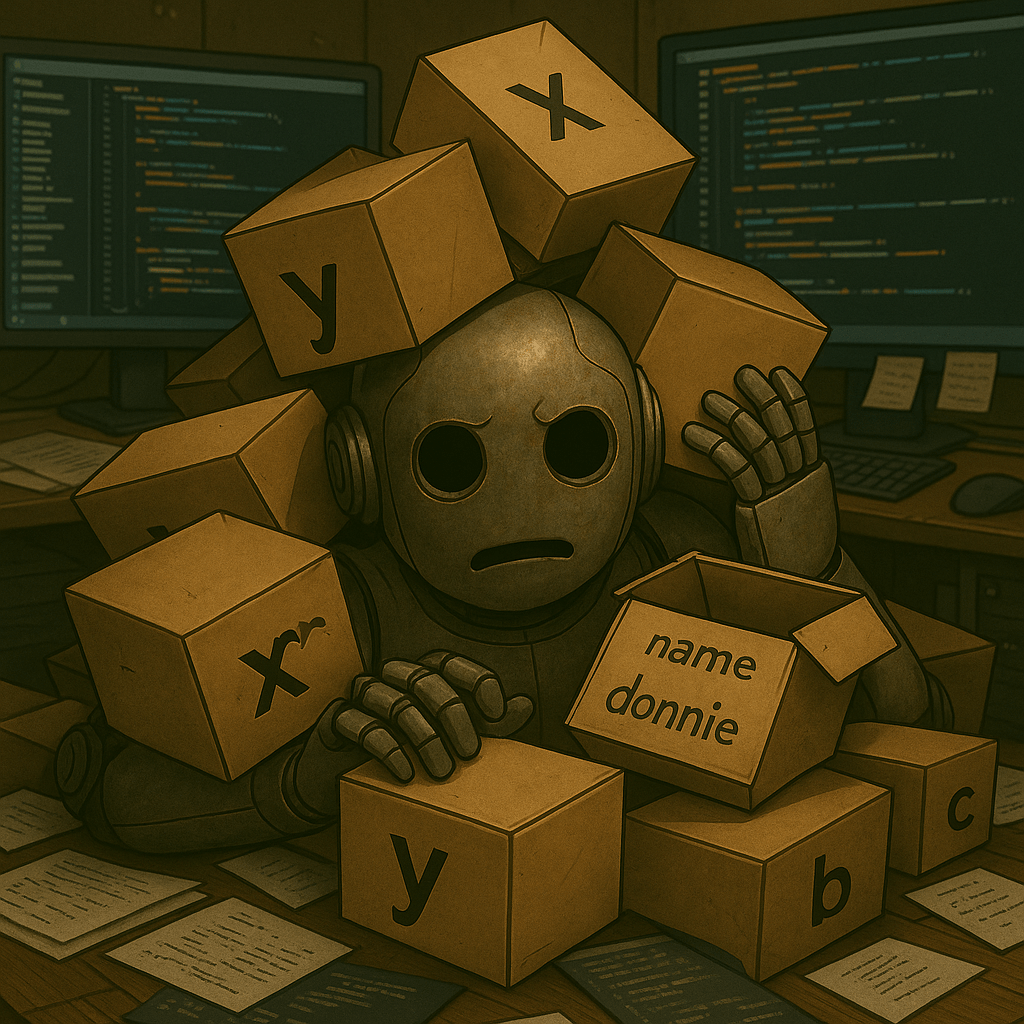
Variable
A label for a box in your computer’s memory that stores information for later reference. You name the box, put something in it, and can grab it any time in your code.
Boolean Expression
Weird sounding word that’s just a question your code asks that can only answer True or False. Example: Is 5 greater than 2? True.
Tuple
An ordered collection of values that can’t be changed. It’s like a list, but locked. If a list is a backpack you can rearrange, a tuple is a sealed lunchbox.
Top AI Voices to Follow
Here’s who ended up in my queue this week:
Thu Vu
YouTube: What I’d Do If I Had to Learn to Code Again
A reflective piece on how she’d approach coding from scratch if she had to start over. Helpful mindset check as I build my own roadmap.
Enovair
YouTube Channel: Enovair Partners
This entire channel looks packed with practical AI and business integration content. I haven’t had time to dive in, but it’s on my watch-list.
Indently
YouTube: Python OOP Video
Another Python fundamentals explainer, this time focusing on object-oriented programming. Keeping it queued for upcoming study blocks.
Tech With Tim
YouTube: Python for Beginners Full Course
Planning to listen to this on my commute. Hoping his teaching style translates well to audio since most code tutorials are heavily visual.
Next Steps in My AI Journey
Next week is all about conditionals and boolean logic. I’ve already brushed the surface with if, elif, and else statements in the LinkedIn Learning path, but now it’s time to drive those concepts deep. I want Python to become second nature, not something I have to stop and think about every time.
Here’s how I’m planning to lock it in:
- Write multiple small scripts that use conditional statements to make decisions
- Practice combining boolean logic with variables to create dynamic outputs that actually do something useful
- Build a mini-project number guessing game to test what I’ve learned in a way that feels like real coding, not just drills
- Keep moving forward in the LinkedIn Learning path to expand context and vocabulary around what I’m doing
- I’d like to finish this first module for the Learning Path and get my first Python certification.
I don’t care if these are beginner concepts. They’re foundational, so they’re exactly what I need.
Closing the Loop
Learning Python this week felt like walking into a room I’d been staring at through the window for years, telling myself it wasn’t meant for me. Turns out, no one was keeping me out except the guy in the mirror.
I’m still at the basics, obviously. Basics are how anything worth building begins. Every small script I write is proof that I’m moving, learning, and refusing to stay stuck where I was yesterday.
Next week, I’ll keep stacking these small wins. Each line of code is another step toward the life I want for my family and the future I’m determined to build. I’m going to keep Futureproofing every day.
See you in the next post.
What’s something you’ve learned recently that completely changed how you see your work or goals?
If you could automate one repetitive task in your daily life right now, what would it be?
If you’re on your own AI journey, subscribe if you haven’t yet, and connect with me on LinkedIn or Twitter/X. I’d love to hear what you’re working on.
Social Links:
LinkedIn: https://www.linkedin.com/in/donaldkell/
Twitter/X: https://twitter.com/FutureproofDK
