
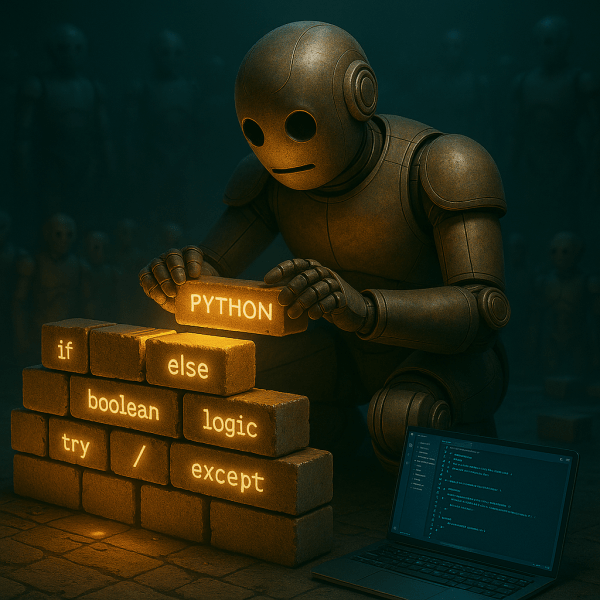
I didn’t expect Python to feel like a mirror.
But this week, it showed me exactly where I get impatient, where I overthink, and where I try to skip steps I haven’t earned yet. Every block of code forced me to slow down and actually think. And man, do I not want to slow down.
Every line I write feels like another brick in the foundation, but… life is hard. My family understands that I’m working towards our future here, but at the same time, I wish I could fast forward to where I want to be for their sake.
That’s not how life works though. You can’t build a roof before laying the foundation. You’ve got to lay bricks.
The bricks I laid this week started with ChatGPT challenging me with a script puzzle I wasn’t ready for. I circled back to it before I ended my learning session and got it done though. I also reached my goal of creating a number guessing game and posted it to GitHub.
Then, I stared at the same LinkedIn Learning module for hours longer than the runtime because real learning takes work. And I’m learning Python for real.
This Week’s Goals – Recap
Week Two was focused on fundamentals, repetition, and applying logic in small, functional ways:
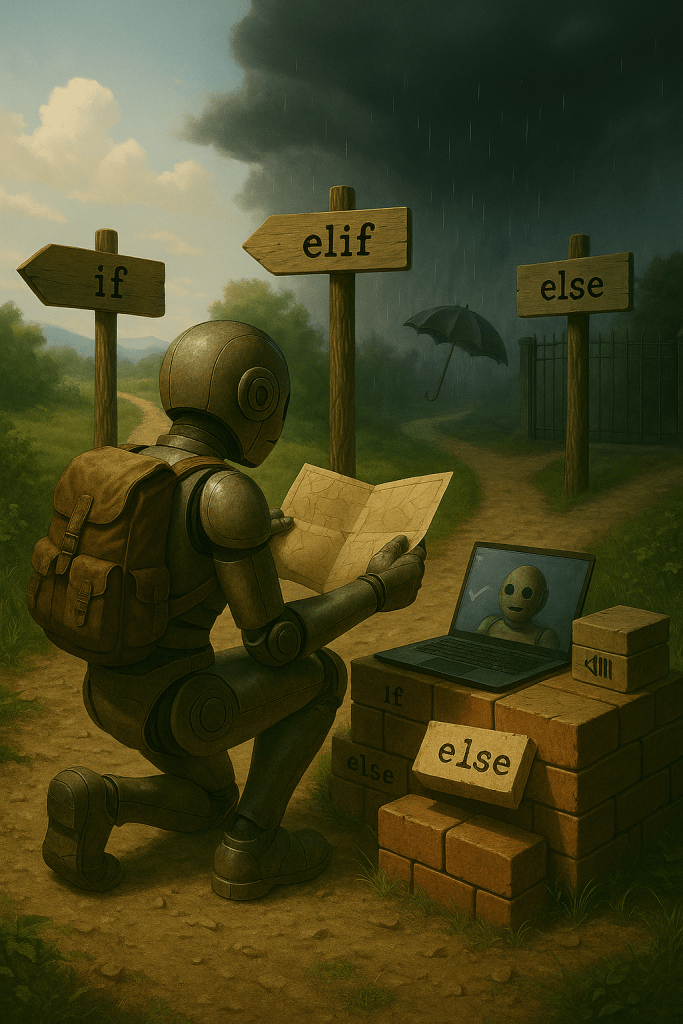
- Write small scripts using if, elif, and else
- Practice boolean logic with variables
- Build a number guessing game
- Keep progressing through the “Getting Started with Python” course
- Finish the first module and earn the cert
AI Tools and Courses I Tried This Week
I spent most of my time this week inside LinkedIn Learning’s “Getting Started with Python” path. The lessons are solid, but the practice challenges are paced ahead of the instruction. You’re expected to figure things out on your own, even when you haven’t technically been taught the material yet. I get that the logic is to push learners to explore, but when you’re already moving slow and trying to get it right, it just feels like hitting a wall over and over.
VS Code, on the other hand, continues to impress. Once I figured out how to connect it to GitHub, it made following along with the learning path a lot simpler. Seeing my code versioned and published at the end of the day felt like a real milestone too, even if GitHub itself was a pain to set up.
I didn’t chase new tools or try to make this week feel productive. I stayed in the same damn module, fought through the same hangups, and kept showing up until something stuck.

That’s just what actual learning looks like sometimes. I’ll try to experiment with something new for next week’s blog, but this week was brickwork.
Mapping My AI Learning Curve
The week started with a practical review of conditional logic: if, elif, else. I went further than just a recap of what the learning path said last week though. I used ChatGPT to teach me how to use it to build logic trees that made real decisions.
One script checked if someone was old enough to drink, had ID, or needed to leave. Another asked about the weather and decided if you needed an umbrella. This is the one I didn’t know how to do at first, but wanted to figure out.
So, I figured it out. I finished it. I cleaned up the logic, simplified the inputs, and rewrote the whole thing with boolean expressions that actually made sense.
I also built a countdown timer that asked for user input and used a while loop to print numbers until the timer hit zero. When I fed it bad input, it crashed. A lot. So I added try and except blocks to keep it from breaking. Then I tested it again until it worked cleanly.

By the time I got back to the LinkedIn course, the early lessons weren’t teaching me anything new. They were just confirming what I had already worked through on my own. That changed once it moved into new territory I hadn’t hit yet, but by then I was moving with more confidence.
AI Terms/Definitions
Even though I didn’t take formal notes this week, I still picked up a few terms through trial and error. These came up while writing scripts, breaking them, and figuring out what went wrong.
As always, they’re not dictionary perfect. They’re my way of understanding them. They’ll make their way to the Glossary soon.
Input Validation
This is how you keep your program from falling apart when a user enters something weird or broken. It means checking the input before trying to use it, like making sure someone actually typed a number instead of a letter. I ran into this with my countdown script. Once I added proper checks, it stopped crashing and started acting like a real program.
Type Casting
In Python, everything a user types is treated as a string. Even numbers. If you want to do math or comparisons, you’ve got to convert it. That’s called type casting. I used int() to turn user guesses into actual numbers, and without that step, none of the logic would have worked.
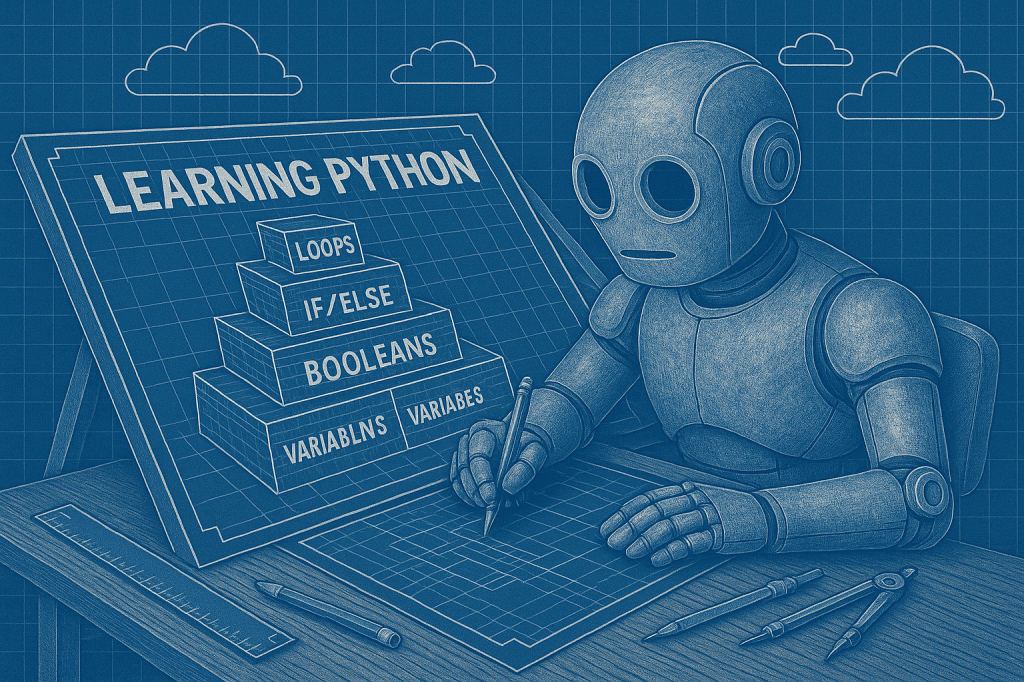
Truthy and Falsy Values
Not everything in Python is just “True” or “False.” Some things are treated as true even if they’re not literally labeled that way. An empty string is “falsy,” while a non-empty one is “truthy.”
Runtime Error
A runtime error happens when your code starts running just fine, but then hits a problem it can’t handle and crashes. You won’t catch it when writing the code. You’ll see it when the program is already doing something and it falls apart.
I ran into this with user input/input validation. Fixing it with try and except blocks is how I stopped the program from blowing up every time the hypothetical user typed something stupid. (Me.)
Control Flow
Control flow is just the path your code takes when it runs. It moves top to bottom unless you tell it otherwise with conditionals or loops. If you’ve ever used if/else to make a decision or while to repeat something, you’ve controlled the flow.
Top AI Voices to Follow
I added a few new creators to my feed this week. Some focused on Python basics, others leaned into AI tools, agents, or chaotic experimentation. I also came across a <a href="http://

Learn with Lukas
YouTube Video: https://youtu.be/48_fcg0tnrk
Website: https://learnwithlukas.com/ai
This was one of the clearest introductions I’ve found to how Python and AI can work together.
Code Bullet
Channel: https://youtube.com/@codebullet
Total chaos, and highly entertaining. But the kind that makes you think. Watching bots stumble their way through problem-solving helped me reframe my own mistakes as part of the process.
The AI Grid
Channel: https://youtube.com/@theaigrid
More tool-focused and technical. I didn’t dive deep yet, but I bookmarked a few walkthroughs for later. It looks like a solid resource to keep in rotation.
AI Basics Video
Video: https://youtu.be/dx9QAvpKKZ8
Just another solid primer. I clicked it out of curiosity and ended up reinforcing a few concepts I want to try. It’s worth a watch if you’re early in your Python or AI journey like I am.
Next Steps in My AI Journey
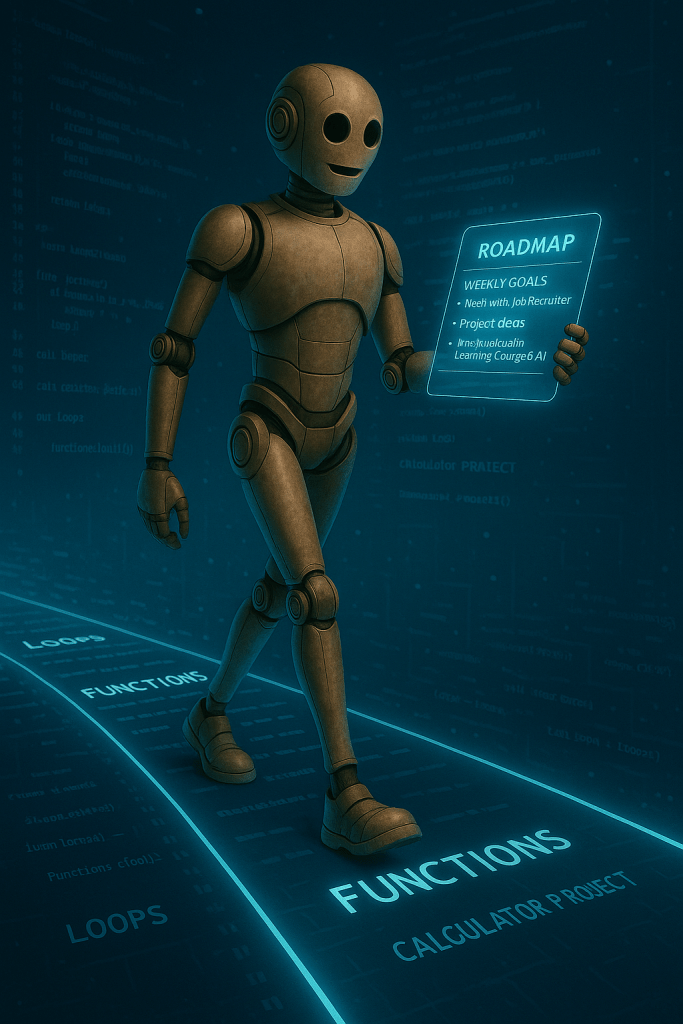
Next week, I’m moving into functions and loops. That means I’ll be learning how to define reusable blocks of code and how to run operations repeatedly without rewriting everything from scratch. It sounds simple, but I know better by now. The surface-level examples never tell the full story.
The milestone project for the week is a basic calculator. It’ll take two numbers and an operation, then return the correct result. I’ll be building it myself, without following a guide line for line. If I hit the logic wall again, I’ll break it down like I did with the umbrella script.
I’m also going to keep chipping away at the LinkedIn Learning course. Still in the first module, still slow, but still showing up. I should be able to knock it out and start on the second one by this time next week.
Closing the Loop
Python is an elegant coding language. It’s relatively simple, but infinitely complex. What’s starting to make sense is something I’ve heard from a few different creators now: stop studying the language like it’s a textbook. Pick something you want to build and figure it out as you go. That mindset feels more honest. More useful.
Now I’m tempted to start building AI Agents sooner than planned. Maybe I need to set a monthly project goal on top of my weekly roadmap to keep the momentum going.
I really don’t have unlimited time to explore, but I’m realizing that short, focused projects do more for my learning than hours of passive video ever could. When something breaks and I fix it, it sticks.
I’m solving problems. One at a time. Brick by brick.

What About You?
Have you ever built something just to prove to yourself you could?
What’s one technical skill you’ve been avoiding because it feels too big?
Got any Python projects you think I should try next?
Tell me. Seriously. Drop a comment, message me on one of the socials below, or throw something my way that made you better this week.
In any case, if you’ve made it this far, thank you.
Website: https://futureproofdirective.com
LinkedIn: https://www.linkedin.com/in/donaldkell/
Twitter/X: https://twitter.com/FutureproofDK
