
Somewhere between writing a calculator script and finishing my first module, something weird happened: the code stopped feeling foreign.
I didn’t suddenly become an expert, but the logic started to click. Inputs weren’t just guesses anymore. They were choices.
The syntax didn’t intimidate me. It just… made sense. I’m still only clocking one real study block per week, but even in that tight window, I’m seeing progress I didn’t expect.
Not confidence. Not pride. Just a steady, stubborn kind of satisfaction.
For Week 3 of my Python learning roadmap, my goals were:
- Build a working calculator script using conditionals and user input
- Begin handling multiple calculations in a single session
- Finish Module 1 of the LinkedIn Learning Python course
AI Tools and Courses I Tried This Week
This week marked my first real hands-on test with Claude. I didn’t do a lot. Mostly experimented with different prompt structures to see what the differences are between that model and the one I’m used to from OpenAI.
The tone and pacing were a little off. Not in a bad way, just in a, “I can tell how this is different than ChatGPT” kind of way. Not better or worse than ChatGPT, just a refreshing change of rhythm.
ChatGPT kind of struggles to maintain my voice while helping to structure drafts, but I didn’t notice that issue with Claude. I used Claude to help with this post, but I’ll give better feedback after I’ve had more time to experiment.

On the Python front, I finally wrapped up the first module in my LinkedIn Learning path.
It was meant to be a quick intro, but I’ve been grinding through it line-by-line to make sure I fully understand every concept before moving on. It’s taken longer than scheduled, obviously, but it’s paying off. Now I’m able to look at the next one. (Always the next one.)
Mapping My AI Learning Curve
Most of the concepts this week weren’t new territory. If, elif, and else statements felt familiar from last week’s work. The real progress was in how I used them.
I built a working calculator that took user input, performed the right operations, and handled errors without crashing. When I made mistakes, they were typos I spotted fast, not logic problems that left me staring at broken code.
After hitting the basic milestone, I kept going. I wanted to see what else the script could do. I made it accept multiple numbers in one line, loop back for more calculations, and handle edge cases like division by zero.
None of that was required, but once the foundation was working, I wanted to test its limits.
The LinkedIn Learning module got finished this week too. That was the real win. I’d been chipping away at it for weeks, and finally closing that loop felt earned.
The code doesn’t feel foreign anymore. I can follow the logic as I write it and catch problems before they break everything. That’s progress.
AI Terms/Definitions
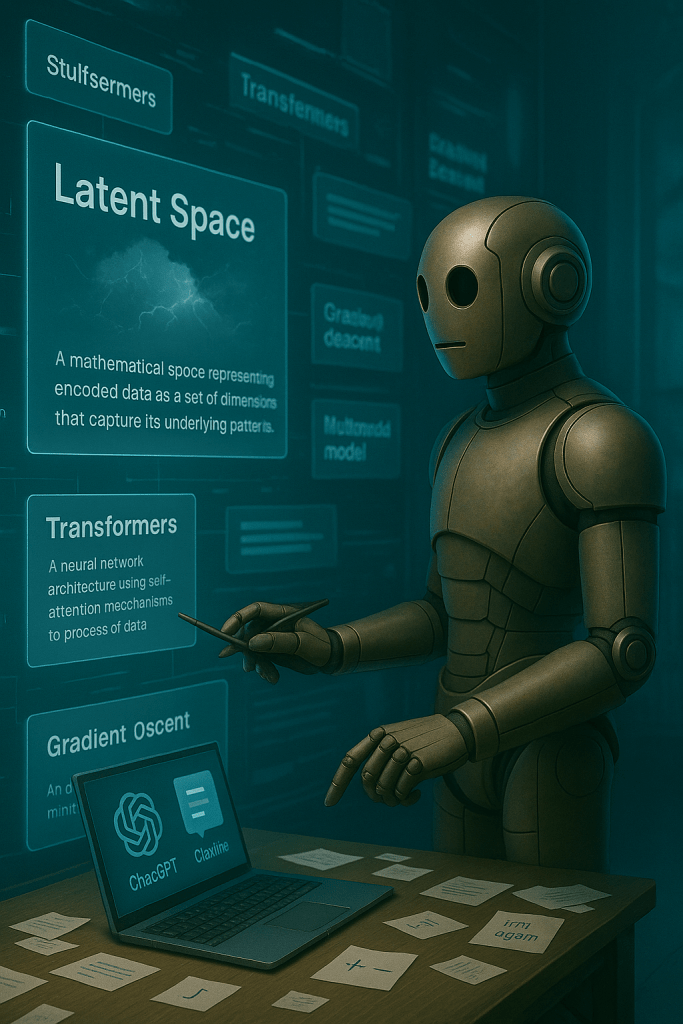
I’ve been adding new terms to my glossary every week to lock these ideas in place. As always, these aren’t dictionary-perfect. They’re just how I understand them right now, based on what I’ve seen and read so far in my journey.
This week, I didn’t come across anything fresh in the wild, so I pulled a few interesting ones from my glossary.
Self-Supervised Learning
A training method where the AI creates its own labels from raw data. It learns patterns by predicting part of the input from other parts. It’s how large language models like GPT get smarter without needing humans to label every piece of data.
Transformers
An architecture used in most modern AI models. Transformers allow the system to weigh and attend to different parts of the input data, like focusing on one word in a sentence to understand the rest. This tech powers everything from translation apps to ChatGPT.
Gradient Descent
An optimization method that helps an AI model learn. It works by adjusting the model’s parameters slightly to reduce error. Think of it like walking downhill toward the lowest point in a valley to find the best solution.
Latent Space
An abstract space where an AI organizes learned information. Instead of memorizing exact details, the model maps relationships between ideas in this compressed space. That’s how it can generate or interpolate between outputs that weren’t in the training set.
Multimodal Model
An AI system that can process more than one type of input — like text, images, and audio — all in the same prompt. GPT-4o and Gemini are examples. They can “see” and “read” at the same time, which makes them more versatile than pure language models.
Want more? The full glossary has 100+ definitions in plain English. Check it out anytime at AI Terms and Definitions: The Ultimate Plain-English Glossary.
Top AI Voices to Follow
This week I expanded my feed with some new voices, mostly focused on AI development and strategy:
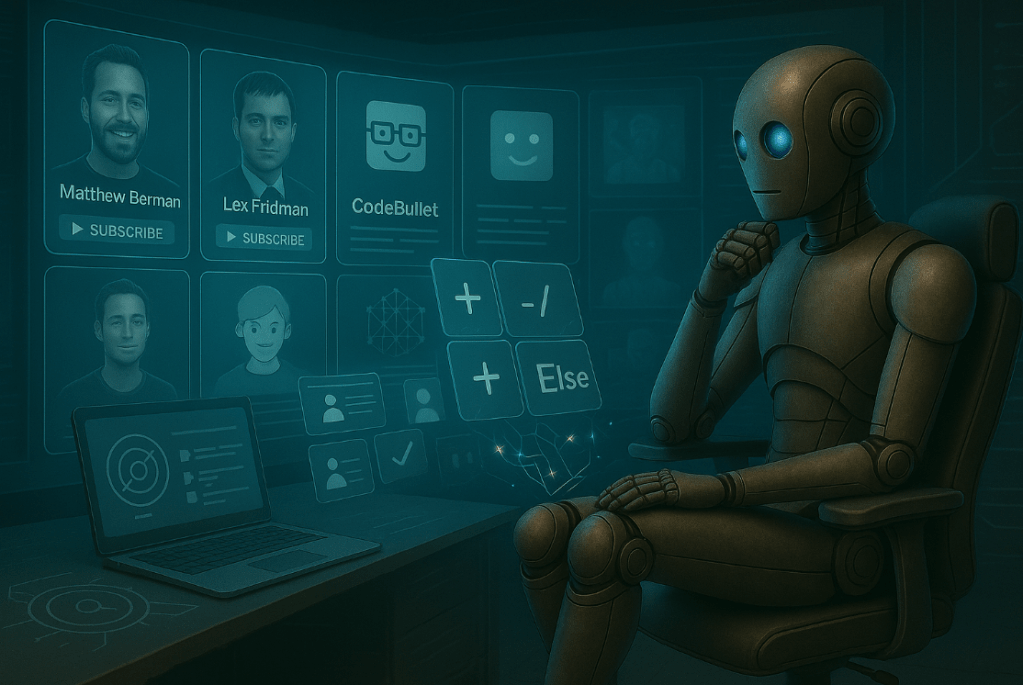
Matthew Berman
YouTube Channel Solid technical breakdowns of AI models and tools. His approach feels practical rather than hype-driven, which is exactly what I need right now as I’m building actual skills instead of just collecting buzzwords.
Lex Fridman
YouTube Channel Long-form conversations with people actually building AI systems. Not quick hits or surface-level takes. These are the kind of deep discussions that help you understand where the technology is really heading.
Diogo Pereira Coelho
LinkedIn Profile AI strategy and implementation focused content. Good for seeing how businesses are actually integrating these tools rather than just experimenting with them.
Doug Shannon
LinkedIn Profile Practical AI applications in business contexts. His posts cut through the noise and focus on what’s actually working in real organizations.
Next Steps in My AI Journey
Week 4 is about expanding beyond basic Python syntax into working with external resources. I’m moving into file handling and library imports, which means my scripts can finally start doing more than just math and user input.
The goals are straightforward but foundational:
- Learn how to import libraries like import random
- Practice reading and writing text files
- Build a “Daily Motivator” script that pulls random quotes from a text file
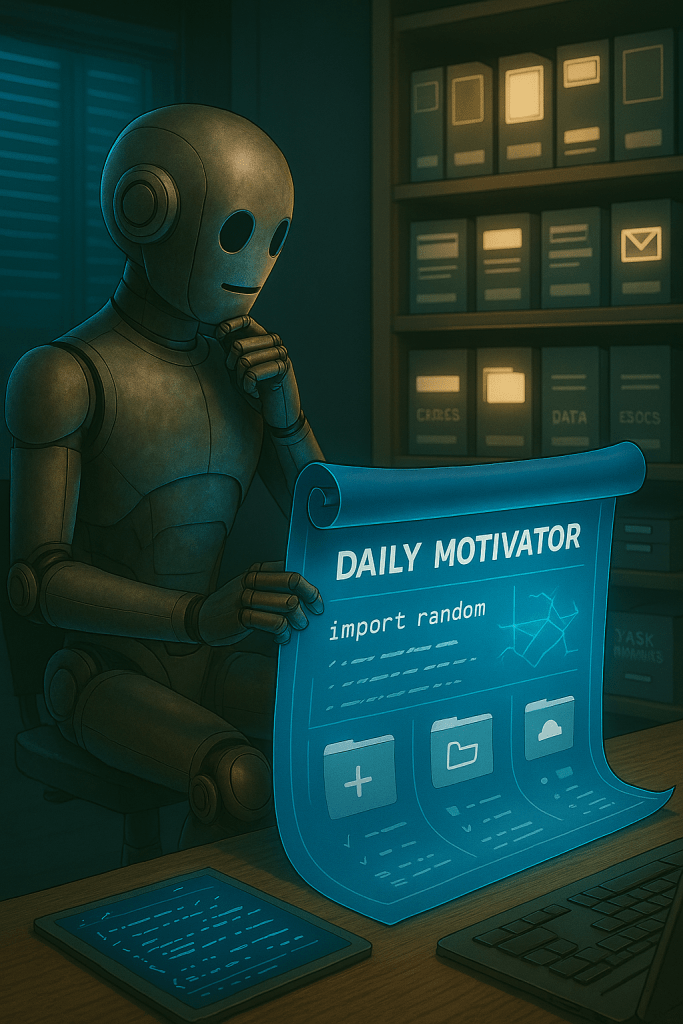
The motivator project is exactly the kind of thing I want to be building. Something small but actually useful. A script that reads from external files and does something with that data feels like crossing into real programming territory.
I’m curious to see if I can use this as a foundation for adding a revolving piece of content on the home page that can pull definitions from the glossary. That would be cool.
I’m also planning to look at new milestone goals after this week. The current four-week cycle has been solid for building momentum, but I want to make sure I’m pushing toward more complex projects that connect to my bigger AI automation goals.
The LinkedIn Learning path continues too. Still chipping away at it, still taking longer than the listed runtime, but that’s fine. Real learning takes the time it takes.
Closing the Loop
This week didn’t feel like a breakthrough, and that’s exactly what made it valuable. No dramatic moments or sudden insights. Just steady work that built on what came before.
The calculator script worked because I understood the logic behind it. The LinkedIn course finally got finished because I kept showing up even when it felt slow.
That’s what real progress looks like most of the time. Not lightning bolts of inspiration, just consistent brick-laying that eventually becomes something solid. Not flashy, just real.
Next week I’m diving into file handling and libraries. Small steps toward scripts that can actually interact with the world outside of user input and math operations. Each week gets me closer to the AI automation workflows I’m really after.
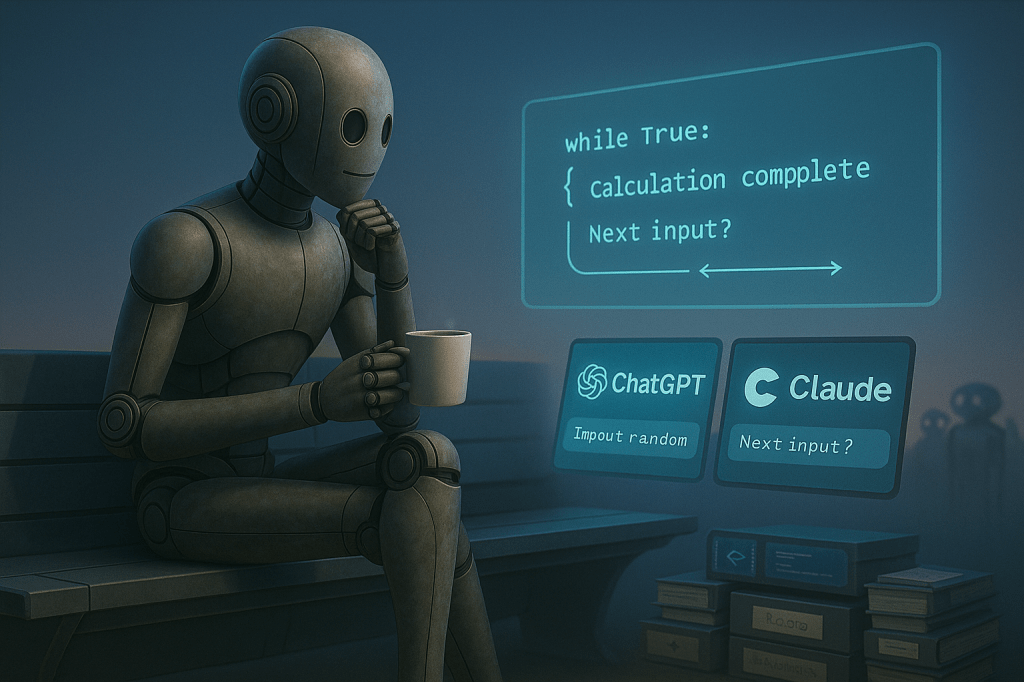
What’s the longest you’ve ever stuck with learning something that felt impossibly hard at first?
Have you ever surprised yourself by understanding something you thought was way over your head?
If you’re building something slowly but steadily, I’d love to hear what it is. Connect with me on LinkedIn or Twitter/X and tell me what you’re grinding through.
Social Links:
LinkedIn: https://www.linkedin.com/in/donaldkell/
Twitter/X: https://twitter.com/FutureproofDK
