
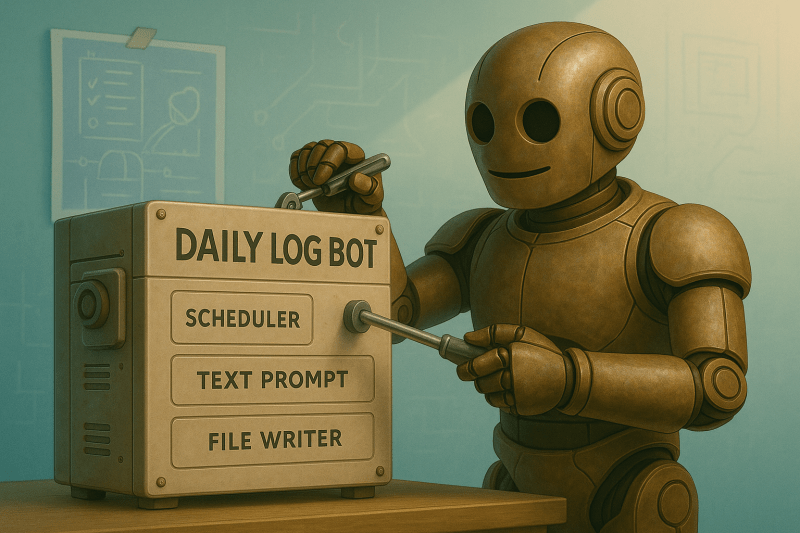
Time got away from me this week. Between the usual chaos at work and home, I didn’t get as far as I wanted. It wasn’t a total loss, just one of those weeks where momentum slows and you settle for progress that fits the time you’ve got.
Instead of pushing into new ground, I revisited an older script and gave it an upgrade. It was a smaller win, but still a step forward. Showing up counts, even when the pace isn’t perfect, right?
I’m going to tell you how that played out in this week’s post. If you want to follow my journey, there’s a subscribe button above.
AI Tools and Courses I Tried This Week
Most of my focus went toward reworking and cleaning up last week’s motivational quote script. I wanted to spend time on the new milestones, but this gave me a way to keep the momentum from stalling, reinforce what I’d learned, and build something a little more polished.
On the tool front, I finally spent time with ChatGPT 5… and I hated it. Full stop.
The memory felt brittle, the so-called upgrades didn’t hold up, and the experience overall just felt off. I’m an eager learner and definitely not a power user pushing the limits, but even for basic tasks, ChatGPT 5 under-delivered.
I still prefer ChatGPT over most tools, but this version isn’t it. I’m extremely glad they opened the option to use legacy models. I switched back to 4o and don’t plan on going back until the bugs are worked out.’
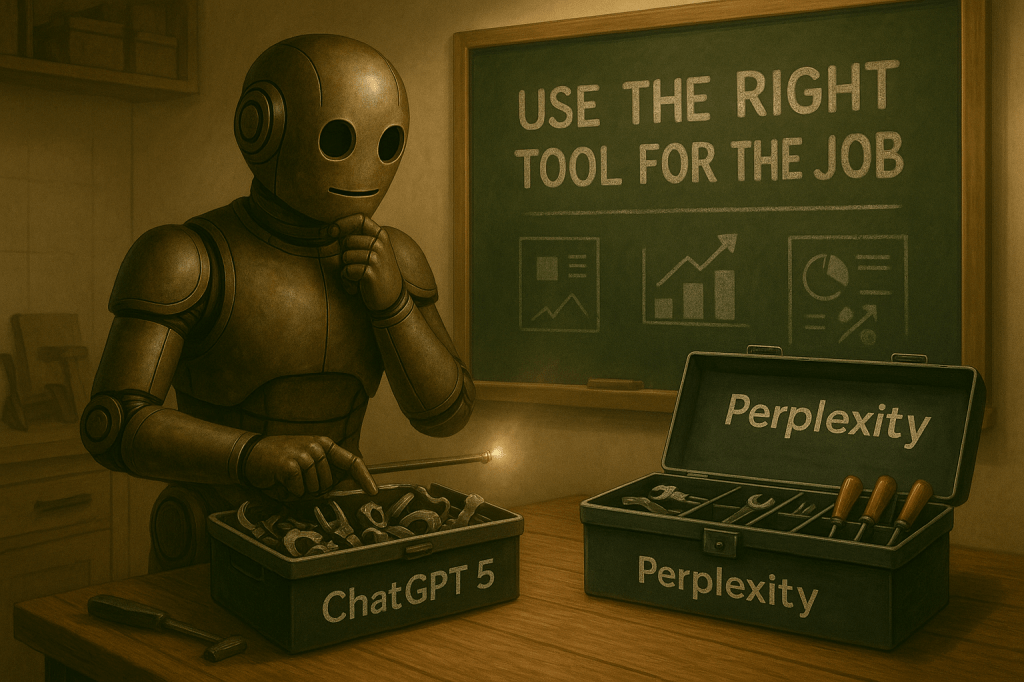
On the other hand, I gave Perplexity a spin for research and was genuinely impressed. It’s fast, focused, and consistently useful for quick answers and comparisons. That contrast made something clear: using AI well isn’t about picking a favorite.
It’s about knowing what each tool is good at and being able to move between them with intent.
Mastering one tool is valuable, but a carpenter doesn’t rely on just sandpaper, and a mechanic needs more than one wrench. If you want high-quality output, no matter the format, you need to understand the strengths and weaknesses of the tools in your belt.
Mapping My AI Learning Curve
Like I said earlier, I spent my time this week refining what I’d already built. I revisited the quote generator and added a couple of upgrades. It now pulls from multiple text files, includes basic tagging for future filtering, and timestamps each entry.
It was a clean little script to begin with, but this version feels more like a real tool. The process went surprisingly smoothly too, which tells me the earlier groundwork is starting to stick.
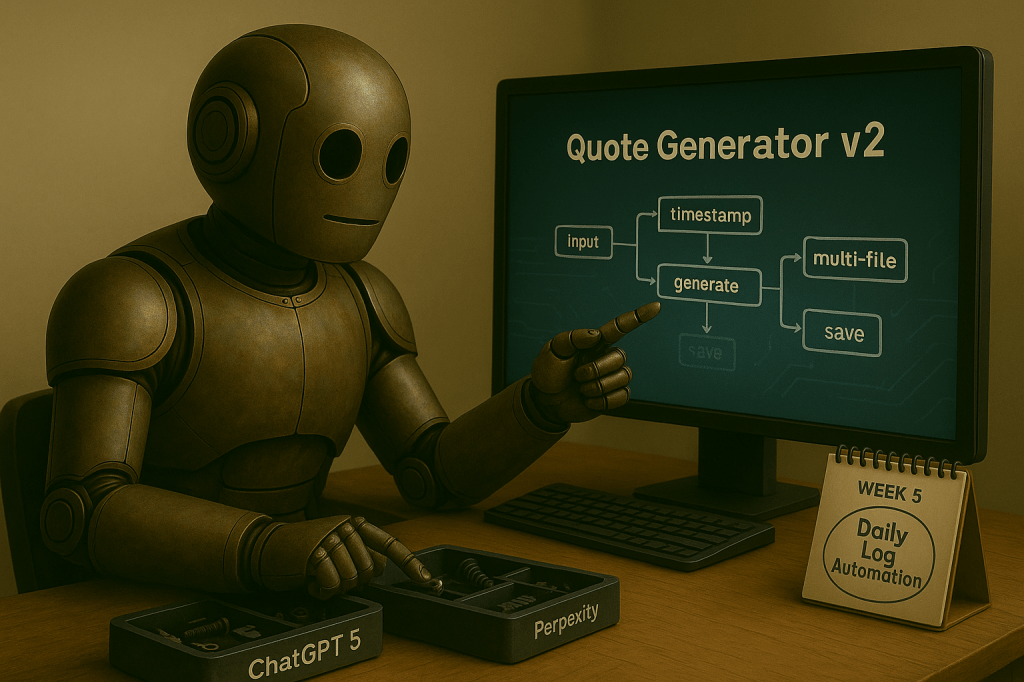
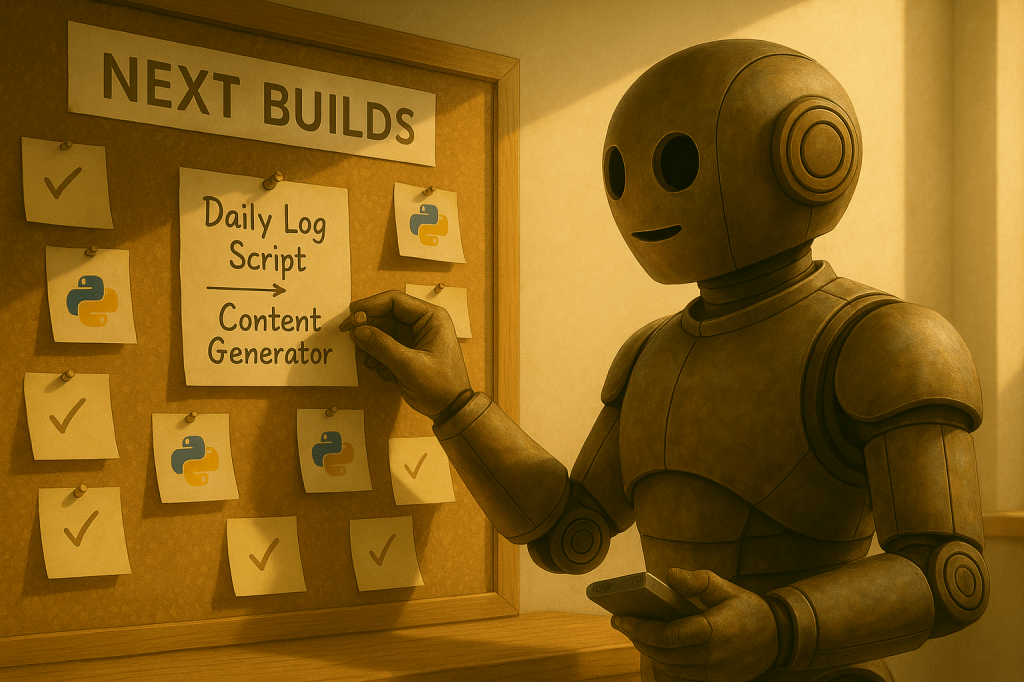
Next up is Week 5 of my Python plan. This phase is about scheduling and automation. I’m building a daily log tool that runs at a set time and prompts me to write a quick journal entry.
This will bring in new skills like time-based triggers, script automation, and hands-off file writing. More importantly, it’s something that I’ll actually use someday soon.
After that comes the final project in this six-week run. I’ll build a content generator that grabs a quote, pulls the weather, and formats everything into a clean markdown block. That’ll let me drop it right into my blog or journal with almost no effort.
Next two builds are about closing the gap between what I’ve learned and what I can actually do with it. That’s the whole point from now on. Making the stuff I’m teaching myself useful.
AI Terms/Definitions
This week I’m pulling straight from my plain-English glossary since I didn’t really have time to take notes. Not textbook perfect, but this is how I understand these terms.
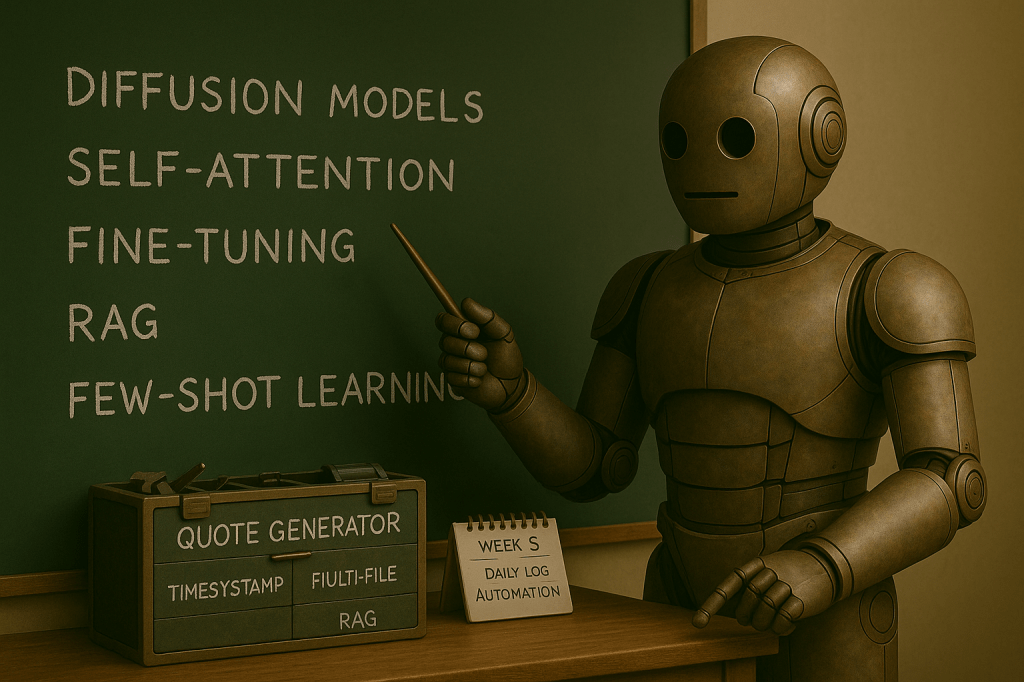
Diffusion Models
A generative technique used in image synthesis and other data generation, where data is created by reversing a process of adding noise. Common in tools like Midjourney and Stable Diffusion.
Self-Attention
A mechanism in transformer models that allows the model to focus on different parts of an input sequence, improving contextual understanding by weighing relationships between words.
Fine-Tuning
The process of taking a pre-trained model and training it further on a smaller, specific dataset to adapt it to a specialized task or domain.
Retrieval-Augmented Generation (RAG)
A technique that combines language generation with external data retrieval, allowing AI models to reference documents or knowledge bases for more accurate responses.
Few-Shot Learning
A type of machine learning where models can learn tasks from a small number of examples, demonstrating generalization with minimal training data.
Top AI Voices to Follow
I didn’t get much screen time this week, but these three are next on my list. As much as I hated using GPT‑5, I’m willing to admit I might’ve missed something. I’m not above being wrong.
So before I write it off completely, I want to hear more about how other people are approaching it.
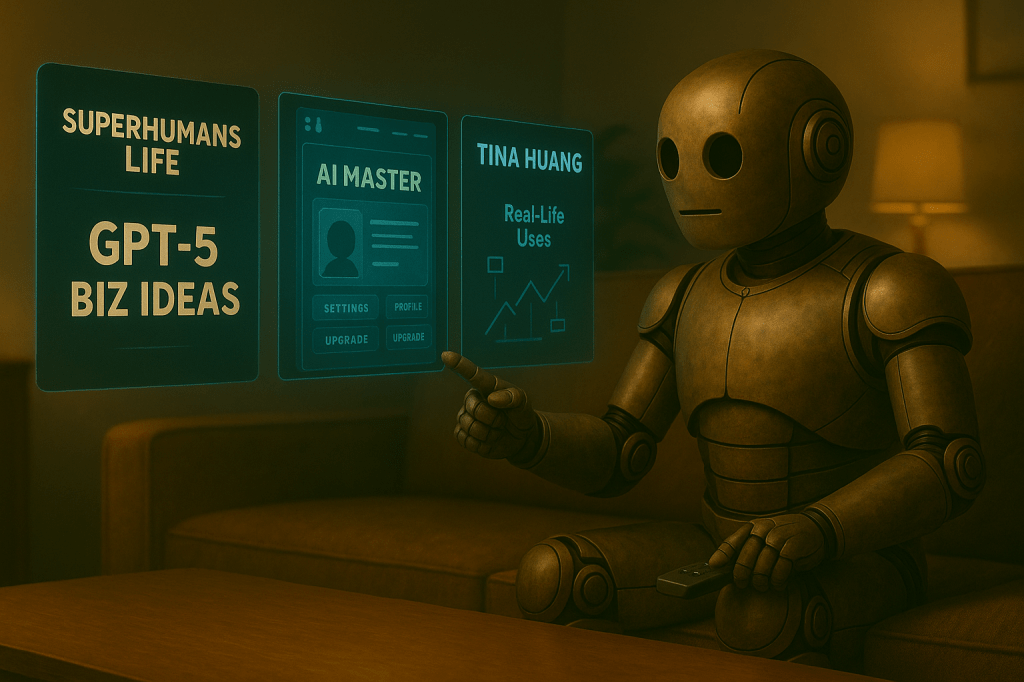
Superhumans Life – The 12 GPT-5 Business Opportunities Everyone’s Missing
This is still one of my favorite AI creators. I’m curious to see if any of these ideas are actually useful or just recycled hype.
AI Master – Ultimate GPT-5 Powered Lovable Guide 2025
This one’s supposed to cover all the new features. If I overlooked something meaningful, it should show up here, but honestly, I’m not holding my breath.
Tina Huang – 101 Ways To Use AI In Your Daily Life
Tina usually brings practical, real-life use cases without the fluff. I use ChatGPT for a lot of things, but I’m always looking for new and interesting ways to get the most out of it.
Once I’ve watched these, I’ll know if my take on GPT‑5 still holds. Right now though? Jury’s still out.
Next Steps in My AI Journey
Next week, the focus tightens back up.
I’ll be working on the daily log automation script as part of Week 5 in my Python learning plan. It sounds simple: a script that runs at a set time, prompts me to write a quick entry, and saves it.
But it’s another step toward building tools I’ll actually use. Learning how to schedule tasks and trigger them automatically matters if I want to move deeper into AI-driven content workflows.
I’m also planning to watch the GPT‑5 videos I saved earlier and pick back up on the LinkedIn learning path. If those creators highlight something I missed, I’ll adjust. If not, I’ll keep moving with GPT‑4o, knowing I gave the newer model a fair shot.
Either way, the goal stays the same. Keep building up the toolbelt and get clearer on what actually works.
Refine, observe, and keep the momentum moving.
Closing the Loop
Progress doesn’t always mean building something new. Sometimes it’s just refining what you already have, keeping your footing, and making sure the wheels keep turning. That’s what this week felt like. Not loud, not impressive, but steady.
I’m not chasing perfect. I’m chasing consistency, and that means showing up even when momentum dips or energy runs low. The real test isn’t whether I can push hard on a good day. It’s whether I keep moving at all on the hard ones. And I did.
That’s enough for now.
What small upgrade made your workflow feel more real lately? Has there been any new tools or concepts that finally started clicking for you? Are you seeing your effort start to stack up anywhere?
Drop a comment and let me know!
