
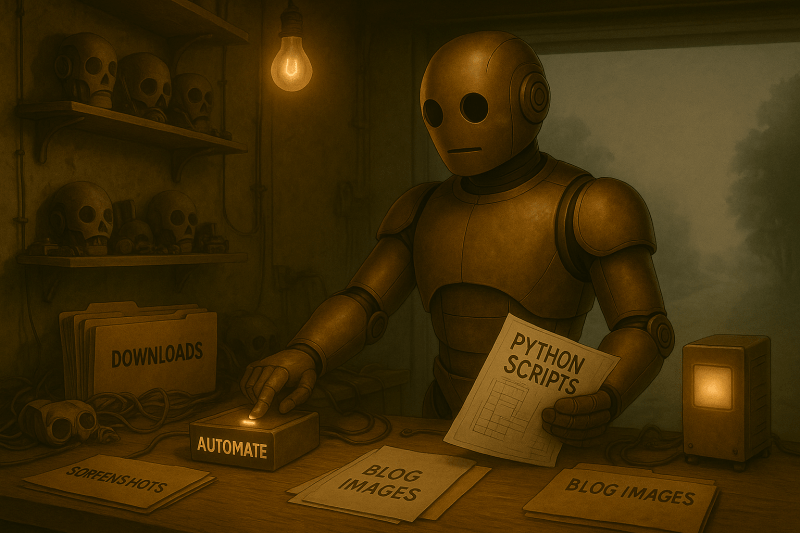
One moment I was following instructions, typing code methodically like a good student and trying to absorb the meaning behind the lines. The next, I ran the script and realized my goal for the week was already done.
For the first time in a while, I had a window. I could’ve jumped into the next project or cracked open LinkedIn for another round of hustle.
Instead, I did something rare. I stopped and had some actual me time.
Later on, I caught myself scrolling through N8N videos and AI automation threads with a greater hunger than I’ve felt recently. It’s amazing what a short mental break can do for you.
I keep finding myself mentally circling back to automation, and I’m starting to think I need to scratch the itch and see what I can build. Isn’t that the best way to learn anything? Start somewhere real, then figure it out as you go.
This week though, one script saved me hours of organizing that, let’s be honest, was never going to get done. Probably to no one’s surprise, a little automation goes a long way.
AI Tools and Courses I Tried This Week
This week, I used Python to do something genuinely useful for the first time. This wasn’t just another random coding lesson. Not just an exercise. I finally completed a real task that actually saved me time.
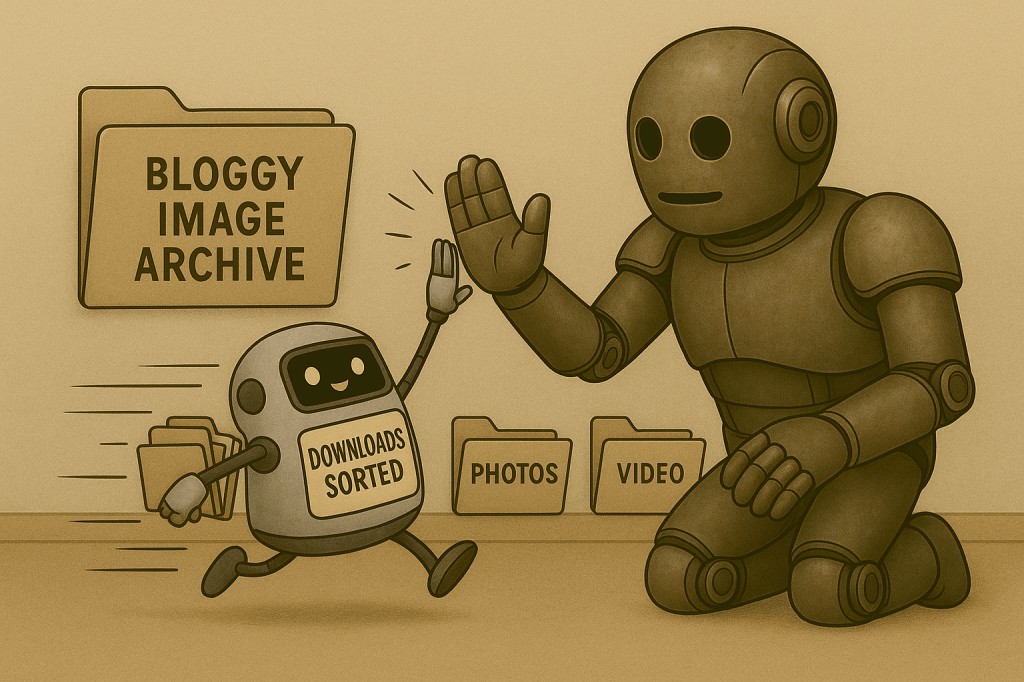
The script I built sorted every file in my Downloads folder into clean little subfolders based on type. Images went into one folder. PDFs and docs into another. Videos had their place too. It happened so quickly I had to pause and make sure it actually worked.
I got a little thrill when I realized that I could reuse this for other folders. My desktop. The hundreds of screenshots and maybe even for my Bloggy image folder. I finally saw how what I’m putting all of this effort into could be dropped right into real life and start working for me.
That level of simplicity and automation is exactly what I’m hoping to create for others. That’s what I’ve been chasing. I finally feel like I took a tangible step forward this week, and it happened so quickly I had to do a double take.
That single script got me thinking more practically about how to bring automation more firmly into my learning curve.
Mapping My AI Learning Curve
The more I learn, the more I question. And the more I question, the more I feel like I need to start building instead of just preparing. I’ve been working through the roadmap, checking boxes, and following every lesson exactly.
It’s been solid, and fulfilling, but now that I’ve seen a script actually clean up my own clutter, I’m seeing what could actually be done with a little more application and a little less study.
I want to take what I’ve learned and put it to work, even if it’s messy. The goal was never to be a perfect coder. The goal was to build tools that solve real problems through AI automation.
Learning Python was a stepping stone towards that. That means I might need to stop obsessing over the foundation and just start building while the cement is wet.
AI is at the weakest point it’s ever going to be right now. It’s only getting better week by week, so I’m concerned that my approach is wrong. It’s really messing with my mindset.

I can keep learning Python line by line, or I can start blending it with other tools and let the results guide what I need to learn next. The thought that I could be building right now instead of prepping for some supposedly far off future moment is hard to ignore.
AI can already do so much of the heavy lifting.
That doesn’t make me obsolete. It just means my value really needs to come from how well I connect the pieces and follow through. Python is still the foundation of automation, but it’s not the point.
Making something that actually helps is.
AI Terms/Definitions
I’ve been adding new terms to my glossary every week to lock these ideas in place. As always, these aren’t dictionary-perfect. They’re just how I understand them right now, based on what I’ve seen and read so far in my journey.
Webhook
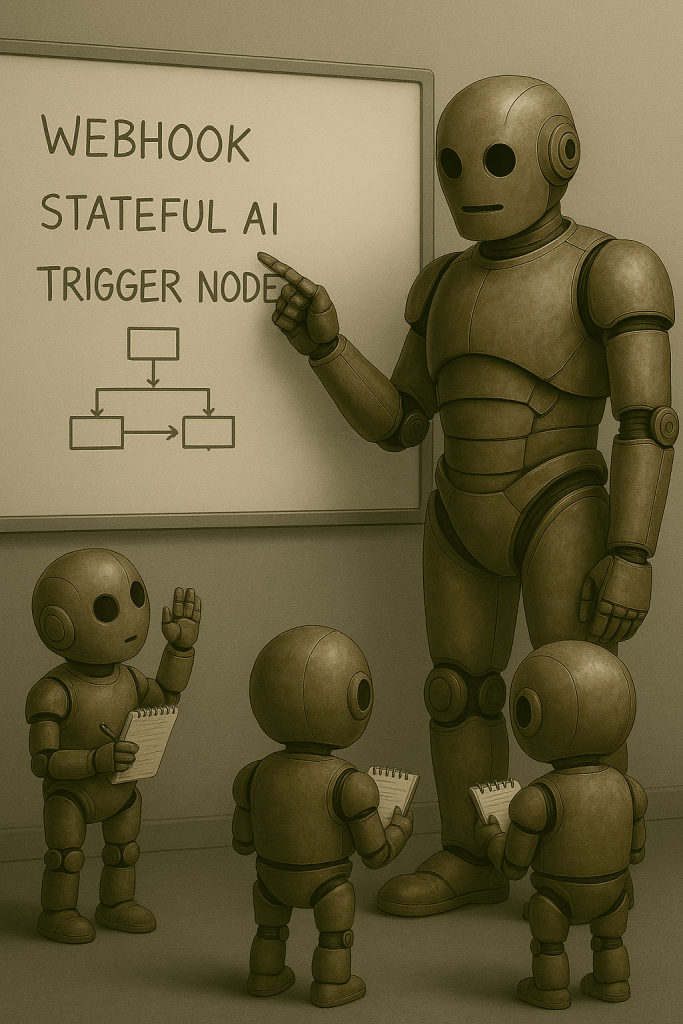
A webhook acts like a digital tripwire. When something specific happens in one app, the webhook fires off and sends information to another tool instantly. It’s how tools like N8N stay alert and react in real time without needing constant checks.
Stateful AI
Some AI tools forget everything after each message. Stateful AI doesn’t. It remembers context, either for the length of a session or over multiple sessions, which makes it better for building automations or agents that adapt to what you’re doing.
Automation Pipeline
This is a series of tasks strung together into a system. Each step feeds into the next, often without you having to lift a finger. It’s how separate automations become part of something bigger and more useful.
JSON
Short for JavaScript Object Notation. It’s a structured way to send information between systems. It looks a little like a to-do list written in code, and most APIs speak in JSON by default. Learn it once and it shows up everywhere.
Trigger Node
In automation tools like N8N, a trigger node is what kicks off the whole workflow. It waits for something to happen, (a file upload, a webhook signal, a time-based schedule,) and then starts running the automation steps that follow.
Top AI Voices to Follow
Here’s who actually earned my attention this week, based on what caught my attention.
I didn’t get around to watching last week’s videos, so the jury is still out on GPT 5. I’m still leaning towards the negative though.
Tina Huang – “Zero to Your First AI Agent in 26 Minutes (No Code)”
Tina’s walk-through made the concept of no-code AI agents feel less like a gimmick and more like a starter kit. I love her breakdowns.
This was basically a “how to use N8N as a beginner” starter guide and may have been what sent me spiraling this week. It gave me a better grasp of how non-developers can still build something useful, without pretending it’s magic.
Matt Wolfe – “AI News: 24 Stories You Missed While Living Your Life”
Here, Matt delivered a rapid rundown of tool launches, AI policy updates, and API shifts that weren’t on my radar once again.
His commentary style is fast but clear, and I walked away with four tabs open for further digging. I’m definitely a faithful follower now.
Simply Digital – “$150/Day with AI News Channel (100% Faceless)”
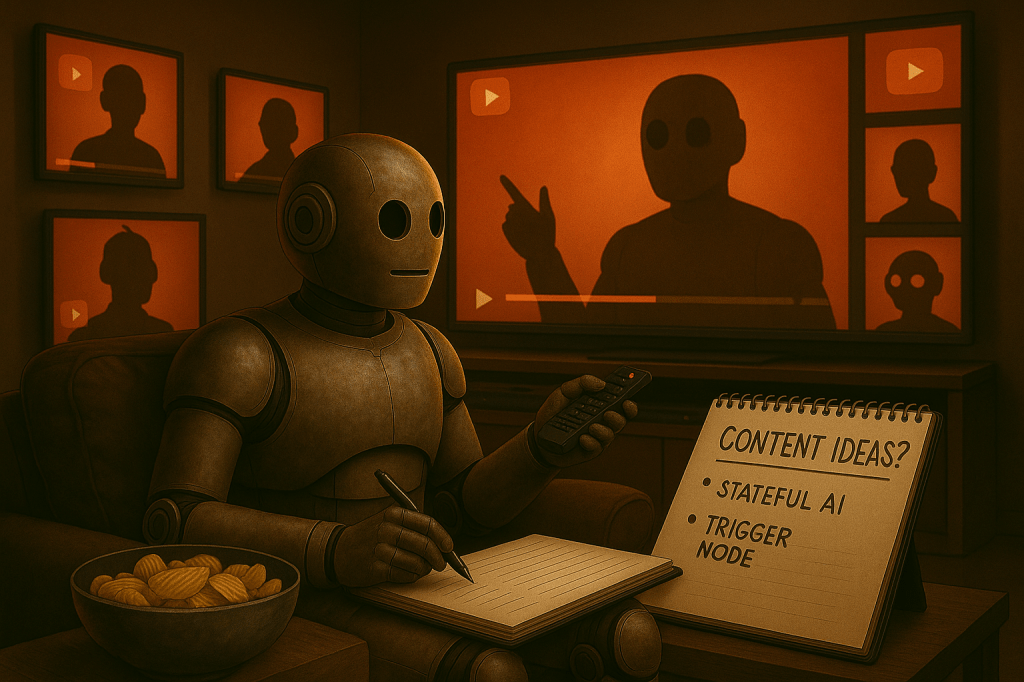
This one had a lower production polish but made up for it with a straightforward playbook. The concept of using trending headlines with AI-assisted scripting made me rethink some future content angles.
In short, I want to try this. Perhaps with a newsletter like TLDR’s or new videos on the YouTube channel?
Simon Sinek – “Act As If Everything Always Works Out for You” (Mindshift Movement)
This wasn’t about AI, and I didn’t care. After a few tough days building without external validation, this hit exactly where I needed it to.
The message wasn’t about fake optimism. It was about a mindset shift to showing up like your work already matters. While listening to it on my way to work, I realized that I do this a lot already, but I could benefit from leaning into it further.
Next Steps in My AI Journey
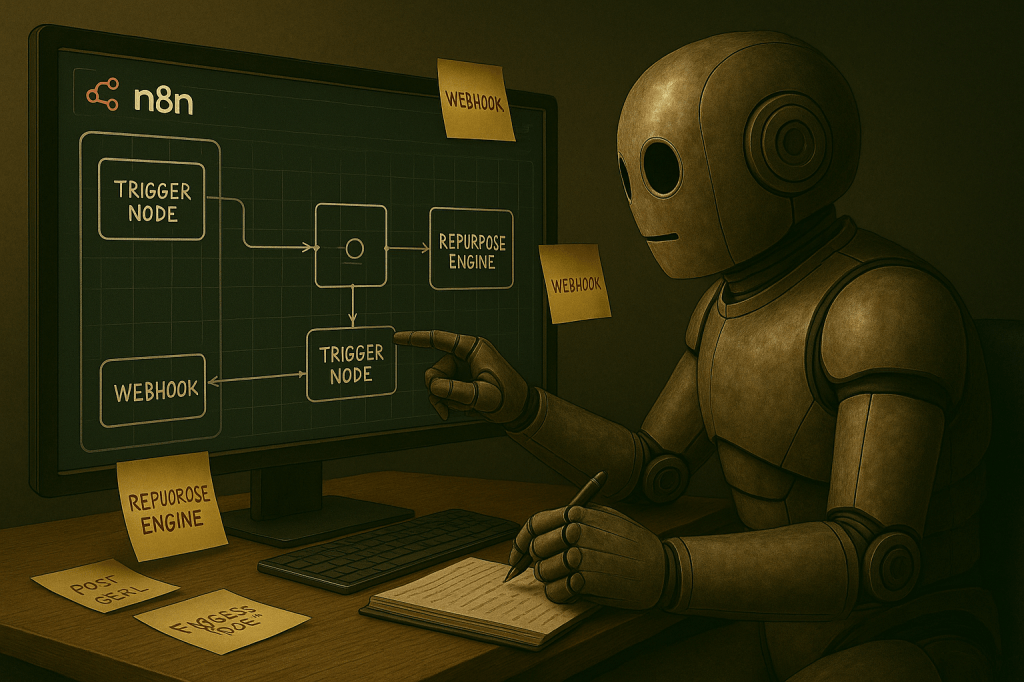
I’m going to hit my roadmap milestone next week, but I’ve also decided to dive into N8N and use the free trial to explore the dashboard myself. For someone with no budget, the price still feels a little steep, but I need to see what this thing can actually do.
The goal is to recreate one of the content automation workflows I watched this week and see how it fits into my content wheel. I want to test a full build, not just click around.
If it works, I’ll find a way to justify the cost. If it doesn’t, I’ll move on knowing I gave it a fair shot.
Closing the Loop
Not every week ends with a big win. But this one gave me exactly what I needed: a push to act. I’ve been sitting on the fence with N8N for too long, circling around the idea of automation without really testing it.
That changes now. If it works, it stays. If not, I walk away with clearer edges on what doesn’t serve me.
None of this is theory anymore. I’ve seen enough to know what’s possible. The only question now is whether I have the guts to build with what I’ve got instead of waiting until I feel ready.
So, what about you? Have you ever gone all-in on a tool just to see if it could hold up? What content workflows are you thinking about automating? Any specific pain points in your industry that you think AI could solve with a little know-how from eager learners like us?
