

As mentioned last week, I paused my Python learning this week to explore n8n, the automation platform that keeps popping up in YouTube videos about AI workflows. After seeing creators spin up “agents in minutes,” I figured it was time to see what the fuss was about.
Here’s my honest take on the n8n trial experience, complete with the friction points most reviews gloss over.
First Impressions of n8n
Finding n8n isn’t as straightforward as you’d expect. Type anything other than “n8n” into Google and you’ll end up chasing shadows. Search “n8n workflow” or “n8n automation” and you get buried in GitHub links and third-party articles.
The trick is knowing the exact spelling: n8n.io is your destination, and it’s the first result when you search “n8n” exactly.

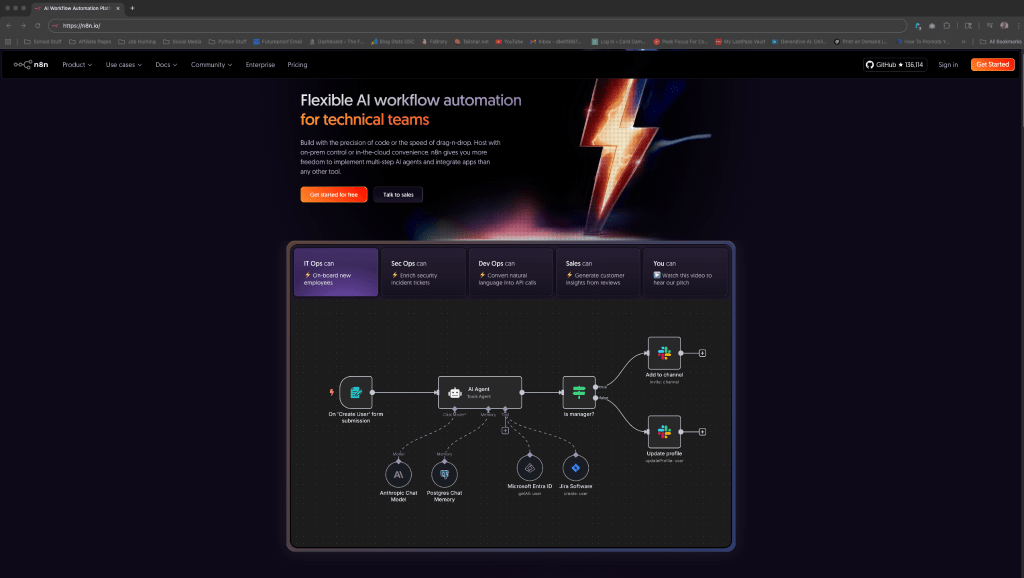
The homepage looks polished. Modern design, clear messaging, and a prominent “Get Started for Free” button right where you want it.
My first impression was that this company takes itself seriously. No carnival barker vibes, no overhyped promises. Just a clean interface that suggests they built something substantial.
The footer caught my attention too. Instead of just legal links, n8n stashes comparison charts against their biggest competitors, Zapier and Make, case studies, and even an AI agent report. That tells you they expect serious researchers to scroll all the way down, not just impulse clickers.
Getting Started: n8n Onboarding and Setup
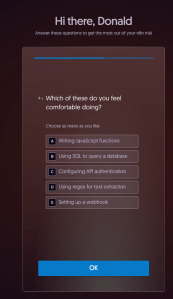
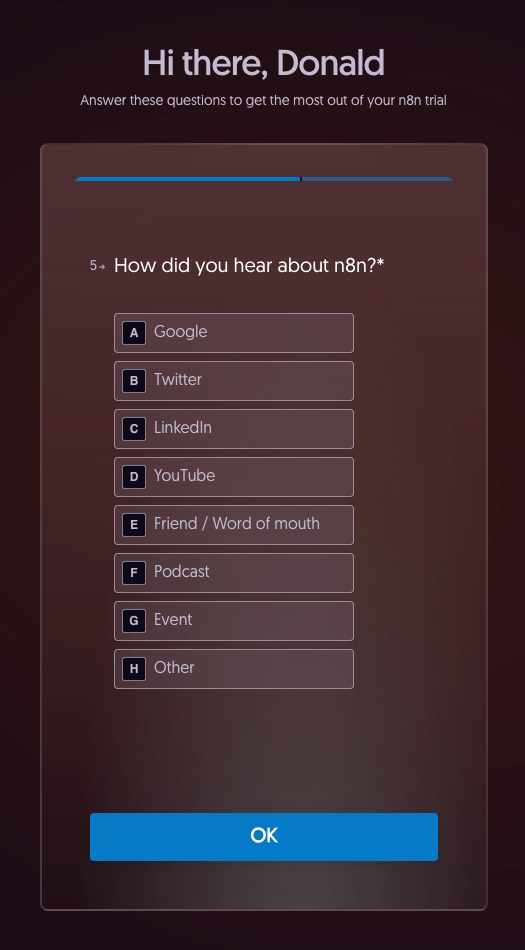
The sign-up flow is refreshingly light. Email, name, password. Then a five-question survey about your role, company size, and automation experience. Nothing felt invasive, and you can tell they’re segmenting users to customize the onboarding experience.
The best part? No credit card required. After getting burned by LinkedIn Premium’s auto-charge anxiety, this was a relief. I could explore without the ticking time bomb of an unexpected bill.
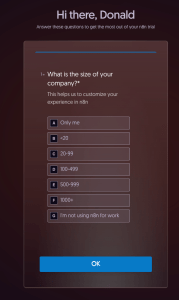
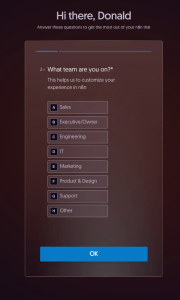
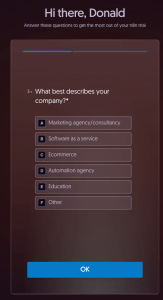
They offer team invites next, but you can skip it. Just a few clicks and your workspace is ready. Simple.
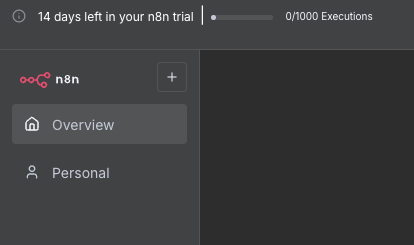
The trial gives you 1,000 executions over 14 days. An “execution” means one full workflow run, regardless of how many steps it contains. For someone just testing, that felt reasonable. For serious experimentation though, it will probably feel tight.
n8n Beginner Resources: Docs, Community, and Videos
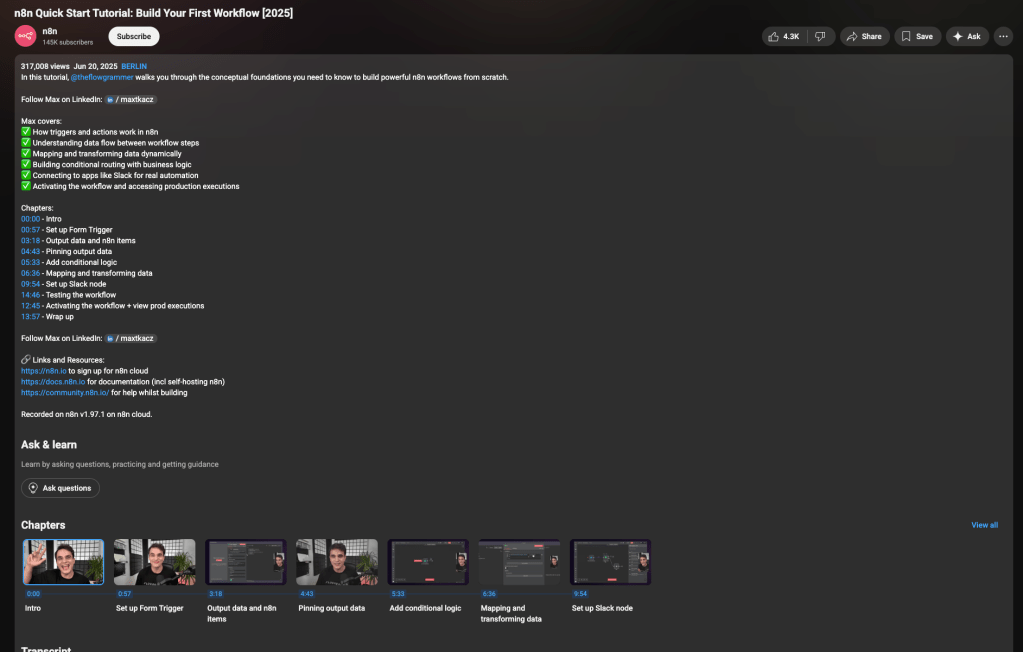
n8n drops you into a quick start video immediately, which I thought was a smart move. The tutorial walks through building a form trigger that sends a Slack notification, covering the fundamentals: triggers, actions, data mapping, and conditional logic.

The video transcript shows they’re trying hard to make complex concepts accessible. Then, it walks through the basics using a simple web form that sends a Slack notification.
It keeps the tone approachable, mixes in useful pro tips like pinning data, and makes the platform feel less intimidating for a first-timer. It’s a solid launchpad, though the real test comes when you try building something of your own.
The community tab promises connections to other explorers, with links to forums and Discord. The footer isn’t just legal junk either. It’s where n8n hides comparisons, case studies, templates, and resources. Worth noting: don’t ignore the footer, that’s where a lot of the real intel lives.
Exploring Pre-Built Agents
Building AI agents is what I want to do, so I wanted to test something practical but low-stakes. I ended up choosing the Joke Agent from their pre-built options.
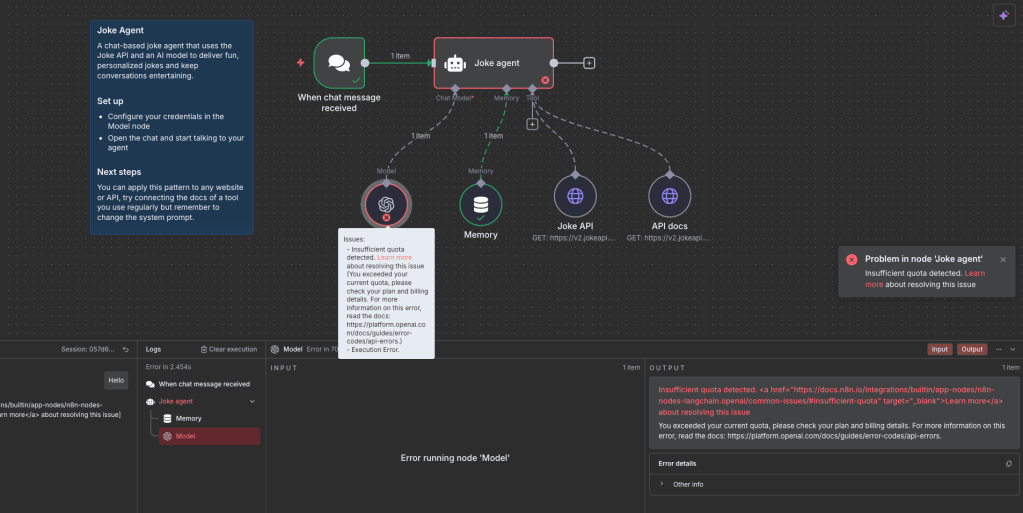
One click and boom: a fully wired agent appeared on the canvas. No dragging nodes, no connecting flows. Just instant visualization of how everything connects.

This was genuinely impressive. Instead of staring at a blank page wondering where to start, I could see the architecture immediately. The agent showed system prompts, model settings, and data flow in a way that made sense visually.
But then reality hit.
The moment I tried to test the agent, the moment I typed a single word… it broke. The error message was cryptic: “Insufficient quota detected.” I assumed I’d done something wrong. The n8n interface gave no hint about what “quota” meant or how to fix it.
The Paywalls That Kill the n8n Trial Period
Here’s what no one tells you upfront: n8n’s “free trial” isn’t really free if you want to do anything with AI agents.
The Joke Agent requires an OpenAI API key to function. All of the agents do.
Not your ChatGPT Plus login. A separate API key with its own billing setup. Even though I already pay for ChatGPT Plus, OpenAI treats API access as a completely different product with separate billing.
So the workflow went like this:
- Sign up for n8n (free, no card required)
- Click on pre-built agent (looks great)
- Try to test it (fails immediately)
- Discover you need OpenAI API billing
- Add credit card to OpenAI account
- Generate API key
- Finally test the agent
Every single pre-built agent in n8n’s template library relies on OpenAI models. There’s no fallback, no warning, no “here’s a free alternative.” You hit the paywall on your first real test.

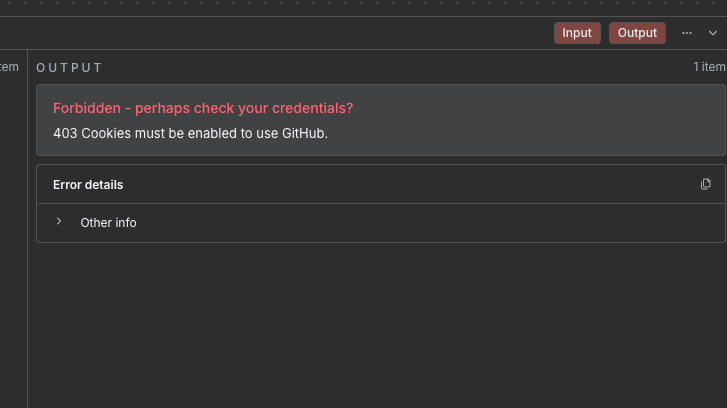
I tried other providers too. Grok requires x.ai billing. Anthropic needs Claude API credits. GitHub authentication threw cookie errors. The pattern was clear: to make any AI agent work, you’re opening your wallet somewhere.
This honestly felt like a bait-and-switch. The trial markets itself as 14 days free, but in practice, your agent won’t do anything until you attach a paid LLM provider.
What You CAN Do on the Free Trial
It’s not all walls and pay gates though. The free trial of n8n still gives you enough breathing room to build real automations without reaching for your wallet.
A few standouts:
- Schedule automations: Use the built-in Schedule Trigger to run tasks daily, weekly, or on a custom interval.
- Webhooks and forms: Spin up an n8n Form Trigger or a Webhook Trigger to capture input and pass it straight into your workflow.
- RSS feed monitoring: Pair the RSS node with Send Email and you’ve got a personalized newsletter from any feed you want.
- Email workflows: Send or receive emails through SMTP and IMAP using your existing account login. No third-party mail service needed.
- Data cleanup and logic: Nodes like Function (Code), If, Merge, and Aggregate let you transform, filter, and combine data inside n8n itself.
- Web scraping: Combine HTTP Request with the HTML node to pull and parse data from any public website or feed.
In other words, the free trial is solid for learning core automation skills and experimenting with classic workflows. The roadblocks only appear when you step into the AI agent territory.
Strengths and Pain Points (Honest Review)
What Works:
- No credit card hostage situation: Unlike other SaaS trials, n8n doesn’t trap you with auto-billing anxiety.
- Powerful visual editor: The drag-and-drop interface gives you serious control without touching code.
- Model flexibility: You can tweak temperature, penalties, and retry logic right in the UI
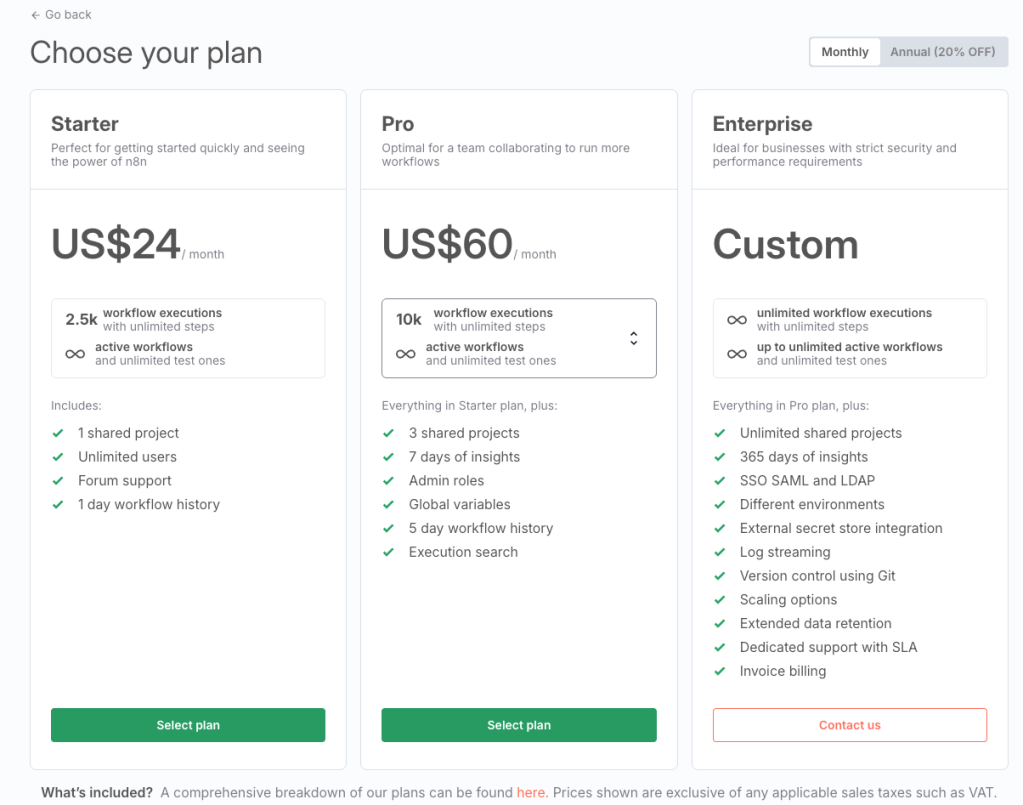
- Transparent pricing: $20/month for 2,500 executions, charged per workflow run (not per step)
- Self-hosting option: The open-source version is free forever if you want to handle your own infrastructure
- Free starter workflows: You can build useful automations like scheduled tasks, RSS-to-email newsletters, and webhook forms without adding any paid API keys.
What Frustrates:
- Navigation quirks: Easy to get lost in side screens, hard-to-find back buttons in odd places
- Credential overhead: Each AI provider requires separate billing and API setup
- Hidden dependency on paid APIs: The “free trial” becomes expensive quickly if you want agents to actually work. If you want to use different providers for different tasks, you’ll be paying separate fees for everything.
- Documentation gaps: Error messages don’t explain billing requirements clearly enough for beginners
The worst part is the expectation mismatch. YouTube creators make this look like “click and go” automation, but the reality involves juggling multiple API keys, billing dashboards, and rate limits before you see any results.
Verdict: Should Beginners Try n8n?
n8n is legitimately powerful. The visual workflow builder gives you control that rivals coding, and the execution-based pricing model is more predictable than competitors who charge per task. If you’re willing to invest in API credits and don’t mind some credential setup, it delivers on its promises.
But it’s not the frictionless experience the marketing suggests if you’re serious about building AI agents.
For beginners considering n8n: expect to spend money on day one if you want to test AI agents. Budget for OpenAI, Anthropic, or other API providers on top of n8n’s subscription. The platform isn’t the expensive part; it’s everything you need to plug into it.
If you’re exploring automation platforms, n8n sits in an interesting middle ground. It’s more technical than Zapier but less overwhelming than building from scratch. The question is whether you’re ready to handle the API billing complexity that comes with serious AI automation.
My verdict? n8n is worth exploring if you understand what you’re walking into. Just don’t expect to test its real capabilities without opening your wallet. The free trial is more like a lobby: you need to bring your own ticket before the doors actually open.
For my Futureproof journey, this was a valuable lesson in the hidden costs of automation tools. Sometimes the platform itself is free, but making it useful isn’t. That’s a reality worth planning for if you’re building AI workflows as a business.
Looking Forward
Next week, I’m going to do a little more digging into the automations that can be used on the free trial while I’ve still got time. From there, it’s probably back to the roadmap while I figure out my next steps.
What’s worse in your book: a credit-card trap at sign-up, or discovering halfway through that the main things don’t work until you attach a billing account?
If you were in my shoes, hoping to build automations to start your own business, how many roadblocks like this would it take before you bailed?
Drop your thoughts in the comments. I’m especially curious where your breaking point would be if you were testing a tool like this.
