

Sometimes the most valuable lesson isn’t what works. It’s finding out exactly where the walls are. This week, I dove into the free side of n8n’s workflow automation platform.
I was chasing the promise of free AI-powered news aggregation, only to slam into the reality of API paywalls and the limits of “free-tier” automation again.
AI Tools and Courses I Tried This Week
Once again, this week was all about n8n, the visual workflow builder that promises to “connect anything without code.” I skipped the flashy AI templates and went straight for what the free side of the platform could actually do.
First, I found the workflows tab and explored a few of the 5000+ options. I landed on the Reddit → Discord workflow because I thought I could tweak it into a system for scraping AI news updates that I could actually use.

Specifically, these are the things I tinkered with:
- Reddit → Discord pipeline: I registered a Reddit app, fought through OAuth credentials, and finally had a working flow that pulled posts from r/ArtificialIntelligence into a private Discord channel. Watching the data show up felt like a real win.
- RSS feeds: Rediscovered how much juice is still in “old” tech. RSS quietly powers podcasts, news, and blogs, and n8n can tap into that stream with no extra cost.
- Webhooks: Learned firsthand that a webhook is basically a doorbell for data. The Discord integration finally made sense once I saw it that way. Much easier to set up and pull than the API keys.
Where I hit the wall was adding a summarizer though. Every option circled back to the same truth: if you want actual intelligence layered on top, you need an API key tied to a paid model.
Hugging Face, OpenAI, Anthropic… all roads led to billing.
Mapping My AI Learning Curve
Using these workflows gave me a clearer sense of how automation feels in practice. Setting up the Reddit to Discord pipeline wasn’t just about moving posts around, it was my first time seeing OAuth in action and understanding how credentials pass between services. It made the whole “magic handshake” less abstract.
Working with RSS feeds reminded me that sometimes the most useful tools are the simplest. Pulling in structured updates from podcasts and news made me realize how much potential there is in building systems that run quietly in the background.
Even the webhook exercise was eye-opening. Once I saw how data could be pushed directly into Discord without me checking anything, I started to picture how other notifications or updates could fit into my workflow.
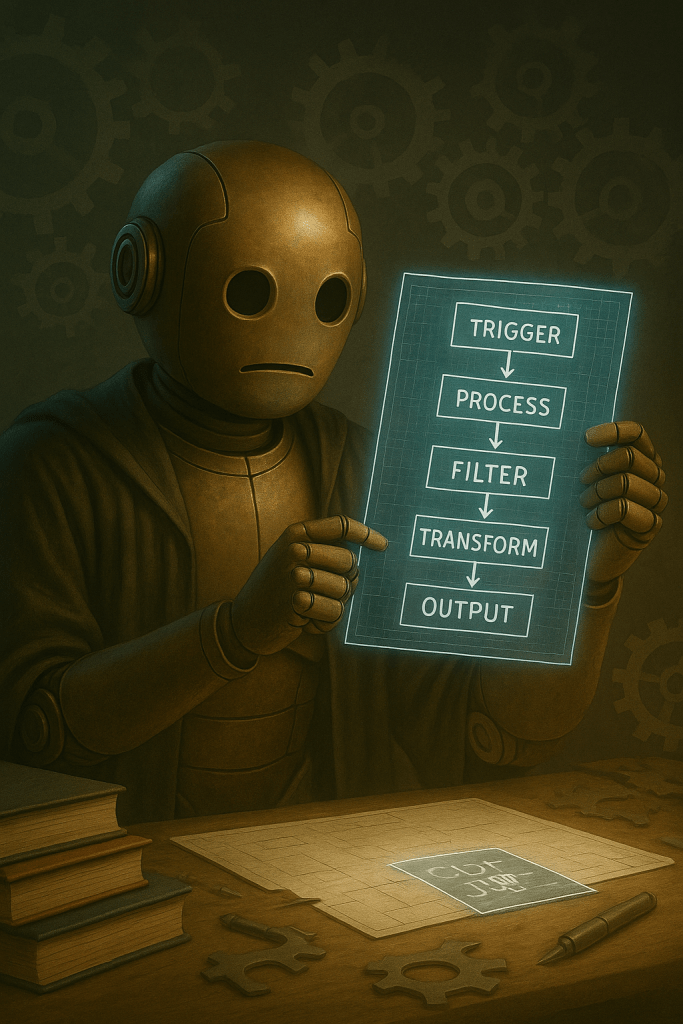
The deeper part of the learning curve came when I cracked open the JSON with ChatGPT’s help. Editing the Reddit workflow made me slow down and actually look at the structure of the data, not just the surface.
I wasn’t just wiring pipes together, I was trying to shape the output to fit what I wanted. And it worked.
The last thing I wanted to try was adding a summarizer, but that is where I hit the wall. Every option pointed back to the same truth. Summarization, analysis, and content generation all sit behind model credentials.
Even though I didn’t get it working, that final attempt put the boundary in sharp focus. Moving data is free. Making sense of it costs extra.
What stood out most from this experiment was that every application followed the same rhythm: trigger, process, filter, transform, output. No matter which tool I used, that skeleton held. Recognizing that pattern made each new workflow feel less intimidating and gave me confidence to push further.
AI Terms/Definitions
I’ve been adding new terms to my glossary every week to lock these ideas in place. As always, these aren’t dictionary-perfect. They’re just how I understand them right now, based on what I’ve seen and read so far in my journey.
OAuth2 Redirect URL
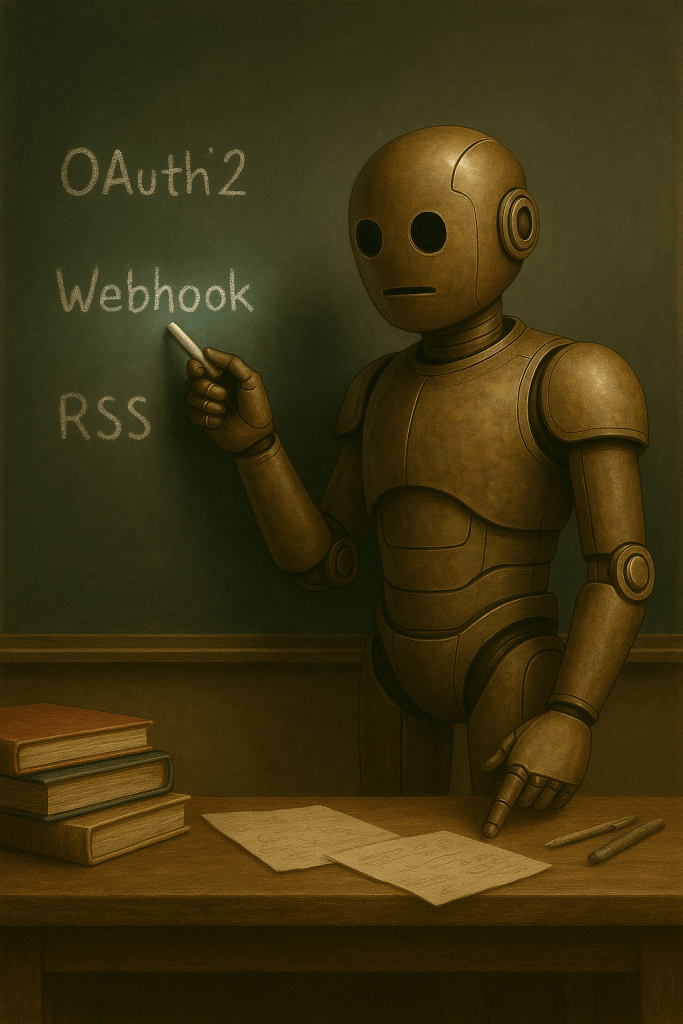
This is the return address in the login process. When you connect n8n to Reddit, Reddit needs to know where to send the “yes, this user is approved” token. That URL has to be set up ahead of time or the handshake fails.
Webhook
A webhook is like a doorbell for data. Instead of knocking on the door every few seconds to see if something’s new, the webhook rings when there’s an update and sends the info right away.
RSS Feed
RSS is the old-school way to publish updates in a simple stream. News sites, blogs, and podcasts still pump content out this way, even if most people don’t notice it anymore. Automation tools love RSS because the format is consistent and easy to pull from.
Function Node
This is the part of a workflow where you can drop in custom JavaScript to clean, filter, or reformat the data passing through. It’s like a little workshop table in the middle of the assembly line.
API Rate Limiting
This is when a service says, “you can only knock on my door this many times per hour.” Free accounts usually hit the limit fast, which is why some workflows break when you try to run them too often.
Top AI Voices to Follow

This week I’m not highlighting voices I’ve already learned from. Instead, I’m lining up three n8n videos that are on my watchlist to see where they can take me next.
Dan Kieft – Automating AI Influencer Content with n8n
I’m curious to see how he connects n8n to Instagram and what parts of the workflow carry over to other platforms. This feels like a solid test case for seeing n8n in action with social content.
Charlie Chang – Free AI Automation with n8n (Beginner Tutorial)
This one looks like a back-to-basics walkthrough, which I need after fumbling through API credentials all week. I want to see how he sets up something useful without the roadblocks I ran into.
Nate Herk – n8n AI Automation Masterclass
This is the big one: a long-form breakdown of scaling n8n with APIs, webhooks, and agents. It’s the next level up from what I’ve been trying. I’ll be watching to figure out what’s realistic for me in the near term.
Closing the Loop
Last week I learned that n8n isn’t really free once you step into AI. This week confirmed it, but it also showed me what the free tier is good for. Reddit feeds, Discord posts, RSS updates, and webhook triggers all work without a single credit card on file.
The limitation is clear now, and so is the value: the platform gives you the plumbing for free, but you have to decide whether it’s worth paying for the brain.

So let me throw this back to you. If you had to pick, would you rather have a tool that moves data flawlessly but can’t analyze it, or one that analyzes brilliantly but only handles a trickle of input?
Do you think no-code platforms should include some kind of free “starter AI” for testing, or is it fair that intelligence is always a paid add-on? And when you test a new tool, what’s your personal breaking point, time wasted or money wasted?
