
Last week I built a scraper that pulled AI headlines with clickable links. This week I learned the difference between code that works and code that people can actually use.
The distinction sounds obvious until you try packaging something for an end user. Then you realize working on your machine means nothing if it breaks the moment someone else touches it.
I rebuilt the scraper three times this week. Each version taught me something new about what makes software actually useful instead of just technically correct.
AI Tools and Courses I Tried This Week
From Fancy Formatting to Functionality
The first rebuild came fast. Last week’s scraper created Word documents with formatted links and summaries. Looked professional, worked perfectly on my machine. But the moment I tried packaging it as a downloadable app, everything collapsed.
The Word formatting library wouldn’t bundle properly. Anyone downloading my tool would need to manually install extra software components first. That’s not how apps work. People double-click and expect things to run. They don’t troubleshoot dependencies in terminal windows.

So I switched to Markdown. It’s plain text with simple formatting symbols. Brackets make links, asterisks make bold. Opens in almost any modern program without requiring special software. Problem solved, no installation headaches.
From Fragile Scraping to RSS Stability
The second issue was reliability. TechCrunch, VentureBeat, and MIT Technology Review kept returning zero articles. Their website layouts had changed since last week, breaking all my instructions for where to find headlines.
I was playing whack-a-mole with CSS selectors every time a site redesigned.
Claude suggested RSS feeds. Think of RSS like a standardized news ticker that websites publish specifically for apps and news readers.
The format stays consistent even when sites redesign their pages. TechCrunch has one, VentureBeat has one. Both feeds worked immediately without chasing layout changes.
MIT Technology Review’s feed was too broad though, pulling every article they publish. I only wanted AI content. Claude added filtering to keep only articles mentioning “AI” in the headline or summary. The scraper could now pull from their entire feed without drowning in unrelated content.
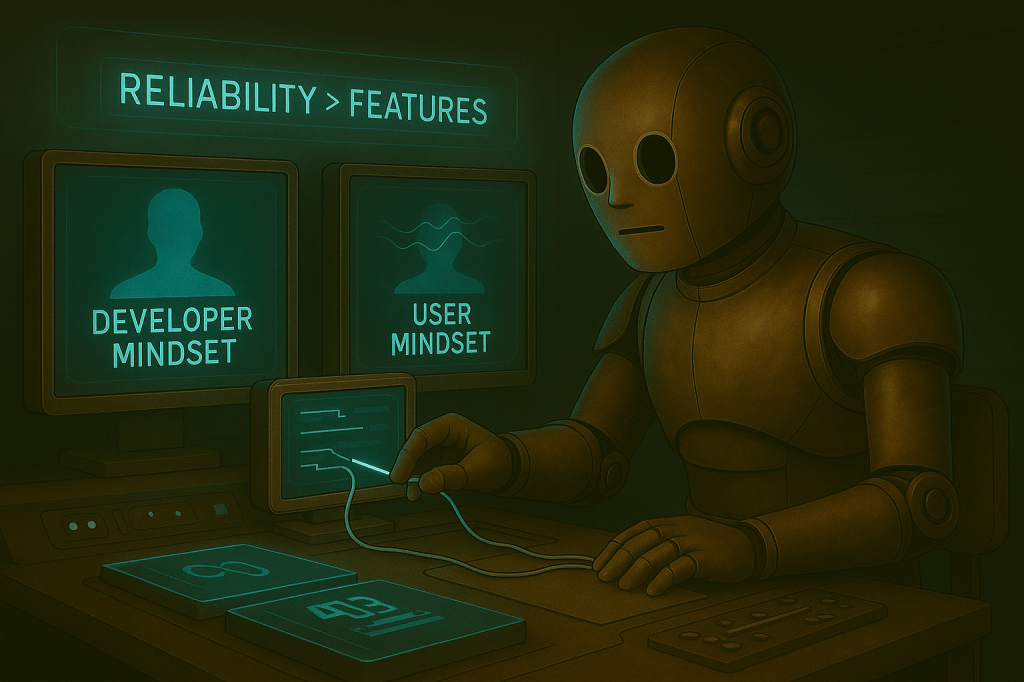
The breakthrough was using Google News feeds. Instead of scraping individual websites and watching them break constantly, I could search Google News for “artificial intelligence” and get headlines from dozens of publishers at once. One stable source, maximum coverage without the fragility.
VentureBeat’s direct feed had actually died, returning 404 errors. So Claude routed it through Google News with a site-specific search. Now the scraper pulls from Google News generally, TechCrunch’s direct feed, VentureBeat via Google News, and MIT Technology Review with filtering.
Four sources, all reliable, all using stable formats that don’t break when websites update their designs.
From Code Patching to Modular Design
The final piece was modularity. I wanted to add or remove sources without rewriting functions. Claude restructured everything around a settings section at the top.
Want to add The Verge? Drop their feed address into the list. Want to temporarily disable TechCrunch? Flip one setting. The scraper handles everything else automatically.
By time of writing, I had working code that creates clean files with clickable headlines and summaries from multiple sources. More importantly, it only needs two lightweight components that package cleanly into a downloadable app. No dependency nightmares, no installation guides.
Mapping My AI Learning Curve
The shift this week wasn’t technical. It was perspective.
The Difference Between Building and Using
I stopped thinking like someone building for themselves and started thinking like someone building for others. When you’re the only user, broken features are annoying but manageable. You know the workarounds. Someone else doesn’t. They just know the app doesn’t work.
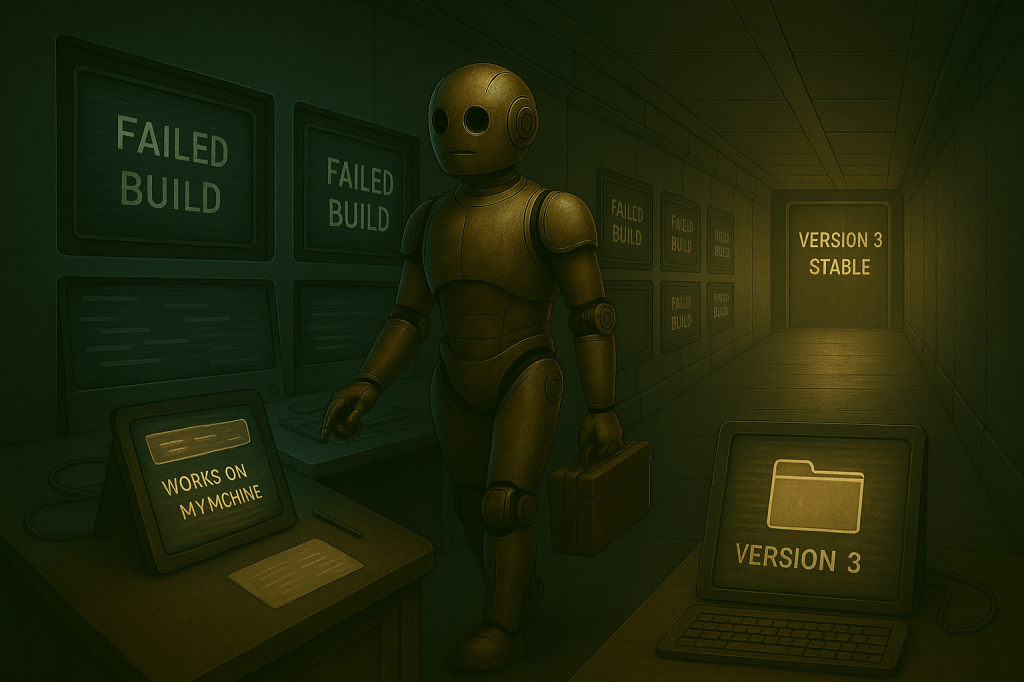
I learned this through rebuilding. Version one broke during packaging. Version two scraped HTML that kept breaking. Version three had no useful error messages. Each failure revealed another assumption I’d made about how people would interact with this thing.

Rebuilding vs. Patching
The breakthrough was realizing reliability beats features. Users would rather have eight working sources than twelve flaky ones. They’d rather have consistent simple files than occasionally perfect formatted documents that sometimes don’t generate at all.
Building for yourself means tolerating rough edges. Building for others means eliminating them entirely.
This connects to vibe coding from last week. I’m still describing problems to Claude and getting code back. But now I’m describing user problems, not coding problems.
“People can’t install extra software” instead of “this library won’t package.” That reframing produces fundamentally different solutions. It shifts focus from what’s technically possible to what’s actually usable.

I’m also learning when to rebuild versus patch. The Word doc version could have been fixed with enough tweaking. But switching to simpler formatting solved multiple problems at once.
Easier packaging, works everywhere, cleaner code. Sometimes starting over with better foundations is faster than trying to shore up shaky ground.
Solving the Right Problem
The RSS approach taught me the same lesson. I could have kept updating website-reading instructions every time sites changed their layouts. Or I could switch to a format designed exactly for this purpose.
Fighting website structure changes was solving the wrong problem. The real problem was using an unstable data source when stable alternatives existed.
AI Terms/Definitions
RSS Feed – A standardized format websites use to publish their latest content in a way programs can easily read. Like a news ticker designed specifically for apps and automated tools to access consistently.
Markdown – Simple text formatting using symbols like asterisks for bold and brackets for links. Looks readable as plain text but displays nicely in modern programs without requiring special software.
User Experience – How non-technical people interact with your tool from setup through daily use. The difference between “works on my machine” and “works when someone downloads it, doesn’t read instructions, and expects it to just function.”
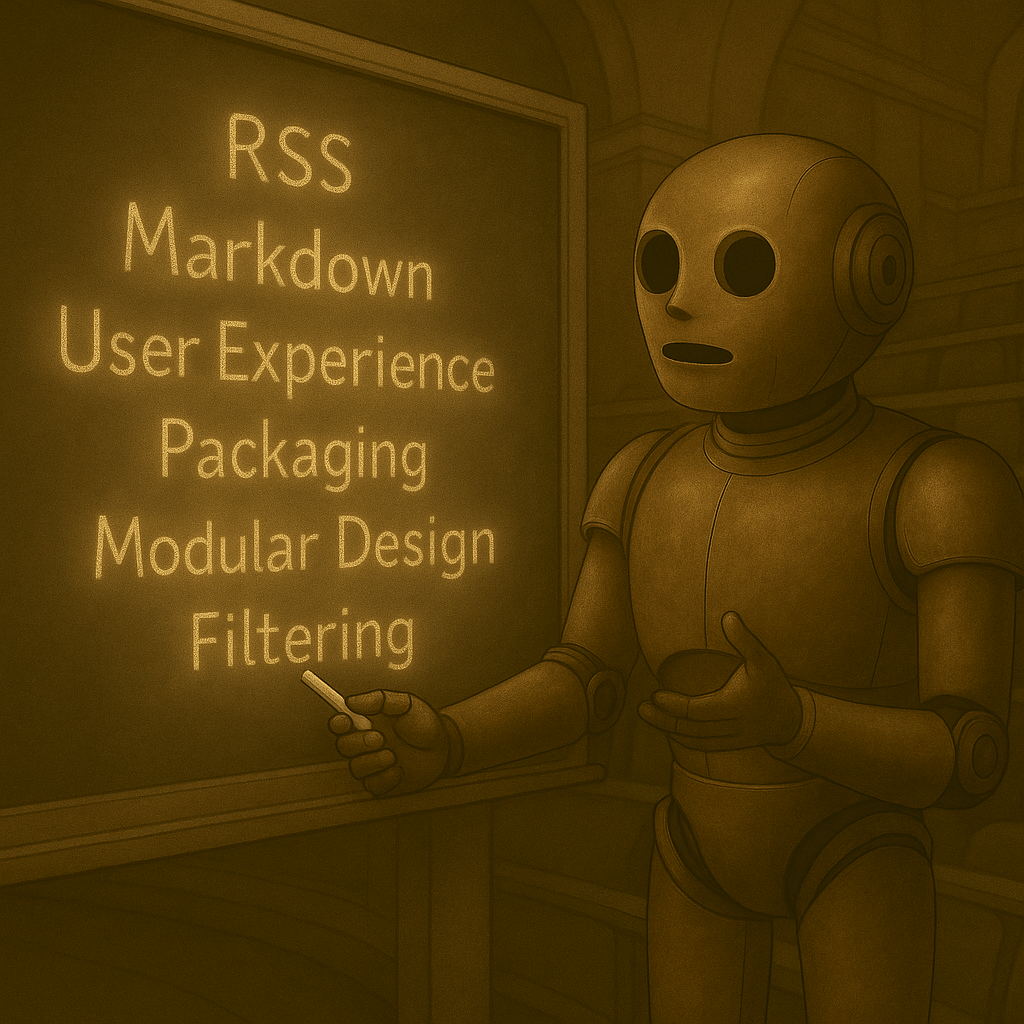
Packaging – Converting your code into a standalone program people can download and run without installing programming languages or additional components. Like turning a recipe into a meal kit with everything included.
Filtering – Automatically sorting through content to keep only what matches certain criteria. My scraper filters MIT’s full news feed to keep only articles mentioning AI.
Modular Design – Building software in interchangeable pieces that can be added, removed, or changed independently. My news sources list lets me modify what I’m tracking without touching the core scraping instructions.
Closing the Loop
The scraper runs now, but it’s not ready for the public. It generates clickable headlines with summaries from multiple reliable sources. The output is clean formatting that opens anywhere. The code packages properly for distribution.
But “works” is just the starting line. Real products need automatic scheduled updates. Better error messages that explain failures in plain English. Probably PDF export alongside the current format for maximum compatibility.
From Working Code to Product Thinking
What changed this week wasn’t my coding ability. It was my product thinking. I started asking different questions. Not “how do I make this code work?” but “what would make this useful to someone who isn’t me?” That shift changes everything about how you build.
Every user-focused decision makes the next one clearer. Once you prioritize reliability over features, feature choices become obvious. Once you minimize extra requirements, design decisions simplify. Once you plan for failure, error handling becomes straightforward.
With Ai, the constraint isn’t technical capability anymore. It’s understanding what problem you’re really solving.
This is where vibe coding gets interesting. I’m not just offloading syntax to Claude. I’m using conversation to clarify what actually matters.
When I explain why Word docs create problems for end users, I’m forcing myself to think through the full experience. Claude’s responses reveal gaps in my reasoning. The code is the easy part once you know what to build.
What problems are you avoiding because they seem too technical? What would you build if you could describe solutions in plain English? And when you make something work for yourself, how do you know if anyone else could actually use it?
